Curved vs Flat Monitor for Gaming: Which One Fits Your Setup?
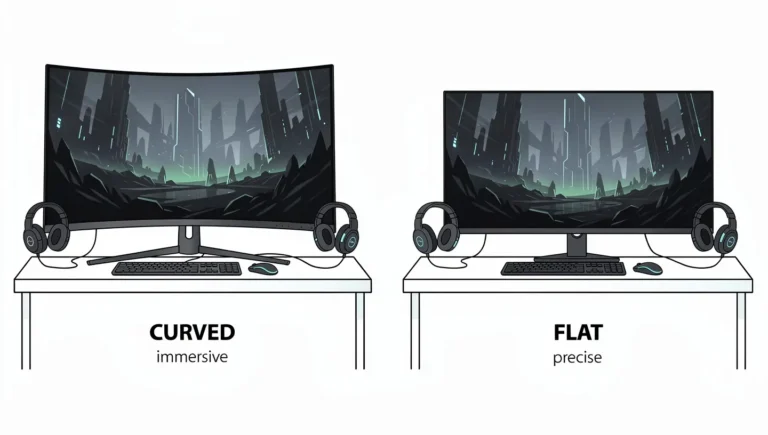
Quick answer: pick a curved monitor if your screen is 32 inches or larger, or an ultrawide, and you mostly …
Plain-English guides to gaming monitors: resolutions, refresh rate, HDR, panel types, setup, troubleshooting, and how to choose the right one.
Quick answer: pick a curved monitor if your screen is 32 inches or larger, or an ultrawide, and you mostly …

Almost any gaming monitor with an HDMI input is compatible with PS5, but only a monitor with an HDMI 2.1 …

The first thing to look for in a gaming monitor is a resolution that your graphics card can drive at …

A gaming monitor differs from a regular monitor mainly in speed. It usually has a higher refresh rate, a lower …

Shop for a gaming monitor and you will run into two labels fast, LED and LCD. Boxes, product pages and …
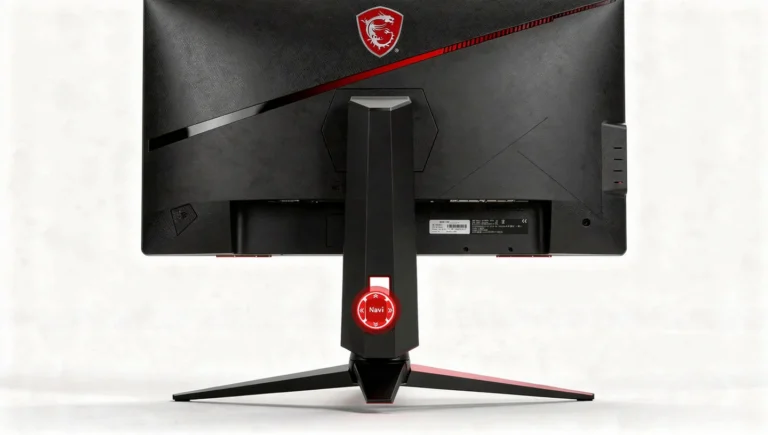
The red button on MSI monitors is a small joystick, officially called the Navi Key, that lets you navigate the …

If you have been shopping for a curved monitor, you have probably run into two numbers over and over again, …

Every gaming monitor listing throws a number at you, 1ms, 4ms, sometimes 0.03ms, and calls it response time. Most shoppers …

Shopping for an HDR gaming monitor quickly turns into a comparison of three labels: HDR400, HDR600 and HDR1000. The number …
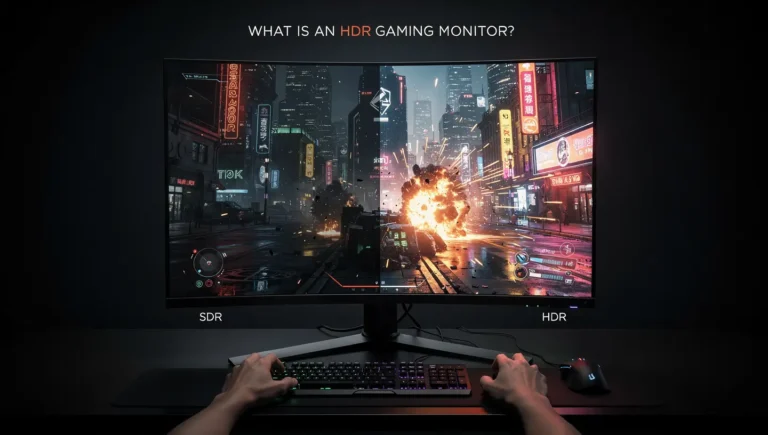
HDR shows up on nearly every monitor box now, from budget office screens to flagship gaming panels, and the badge …









