Sceptre has built its name on one simple idea, giving gamers specs that used to cost a lot more for a lot less money. High refresh rates, curved screens, ultrawide formats and 4K panels all show up in the Sceptre catalog at prices that undercut nearly every other brand on the shelf. That naturally raises a question. Are these monitors actually good, or are you just paying less for less?
We went through Sceptre’s current gaming monitor lineup, model by model, and ranked the ten that matter most right now, from the flagship down to the budget picks that keep the brand relevant. Below you will find a ranked list, full reviews with spec tables and pros and cons for the top five, and everything else you need to know about the brand before you buy, including reliability, panel types, console compatibility and how Sceptre stacks up against Acer, AOC, ASUS, LG and Samsung.
| Category | Model | Best for |
|---|---|---|
| Best Overall | Sceptre C345B-QUT168, 34 inch | Ultrawide gaming and multitasking |
| Best Flagship | Sceptre C415B-UUS360, 40 inch | Dual mode 4K and Full HD gaming |
| Best Competitive | Sceptre C275B-FW250G, 27 inch | Esports and fast paced shooters |
| Best Budget | Sceptre E248B-FW165T, 24 inch | First gaming PC or a second screen |
| Best 4K | Sceptre U325W-UPT, 32 inch | Console gaming, movies and detail |
| Highest Refresh Rate | Sceptre C325B-FW260D, 32 inch | Players chasing maximum frame rate |
Sceptre Gaming Monitors Ranked: Best to Budget
This order reflects overall capability and value across the current lineup, not just raw refresh rate. A 40 inch flagship and a 24 inch budget pick serve very different buyers, so the ranking weighs what each monitor is built to do against its price.
- Sceptre C415B-UUS360, 40 inch, dual mode 4K and Full HD, the flagship
- Sceptre C345B-QUT168, 34 inch, 3440×1440 ultrawide, the most popular model
- Sceptre C325B-FW260D, 32 inch, 1080p at 260Hz, the fastest panel in the lineup
- Sceptre C275B-FW250G, 27 inch, 1080p at 250Hz, built for competitive play
- Sceptre E275B-FP240T, 27 inch, 1080p IPS at 240Hz, speed with better color
- Sceptre U325W-UPT, 32 inch, 4K IPS, best for detail and console gaming
- Sceptre E305B-FU200TW, 30 inch, 2560×1080 ultrawide at 210Hz, budget immersion
- Sceptre E255B-FWT240, 25 inch, 1080p at 240Hz, compact and fast
- Sceptre E248B-FW165T, 24 inch, 1080p at 165Hz, entry level gaming
- Sceptre E275B-FW180T, 27 inch, 1080p at 180Hz, an easy all around pick
The next sections cover the top five in full detail, with specs, pros, cons and who each model actually suits. After that, we cover the remaining five more briefly before moving into the wider buying picture.
1. Sceptre C415B-UUS360 Review: The Flagship
The C415B-UUS360 is Sceptre’s most advanced monitor to date and the closest thing the brand has to a true flagship.

At 40 inches with a tight 1000R curve, it wraps around your field of view more aggressively than any other Sceptre display, and its party trick is dual mode operation, switching between a 4K class resolution at up to 180Hz and a Full HD mode at up to 360Hz depending on what you are playing.
| Spec | Detail |
|---|---|
| Screen size | 40 inch, 1000R curved |
| Resolution | 5K2K class ultrawide, dual mode with Full HD option |
| Refresh rate | Up to 180Hz in high resolution mode, up to 360Hz in Full HD mode |
| Panel type | VA, curved |
| Adaptive sync | Supported |
| Price | $899.99 |
Most gaming monitors force a choice between resolution and speed. The C415 tries to hand you both, letting you play a visually dense single player game in its detailed mode, then drop into Full HD for a shooter where every extra frame counts. That flexibility is genuinely rare at this price, and it is the reason Sceptre positions this as its top model. The size does come with real demands though, you need a desk deep enough to sit back from a 40 inch curve, and a graphics card strong enough to actually push either mode.
Pros
- Dual mode switches between high resolution and extreme refresh rate
- Large 40 inch screen with a tight 1000R curve
- Up to 360Hz available in Full HD mode
- Strong feature set for the price against premium ultrawide monitors
Cons
- Significantly pricier than the rest of the Sceptre lineup
- Needs a powerful GPU to take advantage of either mode
- Large footprint will not suit smaller desks
- VA panel motion is not as refined as premium fast IPS options
Buy this one if you want Sceptre’s best rather than its cheapest, especially if your games swing between AAA visuals and competitive shooters. If your budget or desk space cannot stretch that far, the next model on this list gets you most of the immersion at close to half the price.
2. Sceptre C345B-QUT168 Review: Best Value Ultrawide
Sceptre has said this 34 inch ultrawide is its most popular monitor, and it is easy to see why. The 3440×1440 panel gives you a wide 21:9 view without the extreme size or price of the C415, and current units ship with a 180Hz refresh rate, up from the 165Hz that earlier batches of this same model carried.
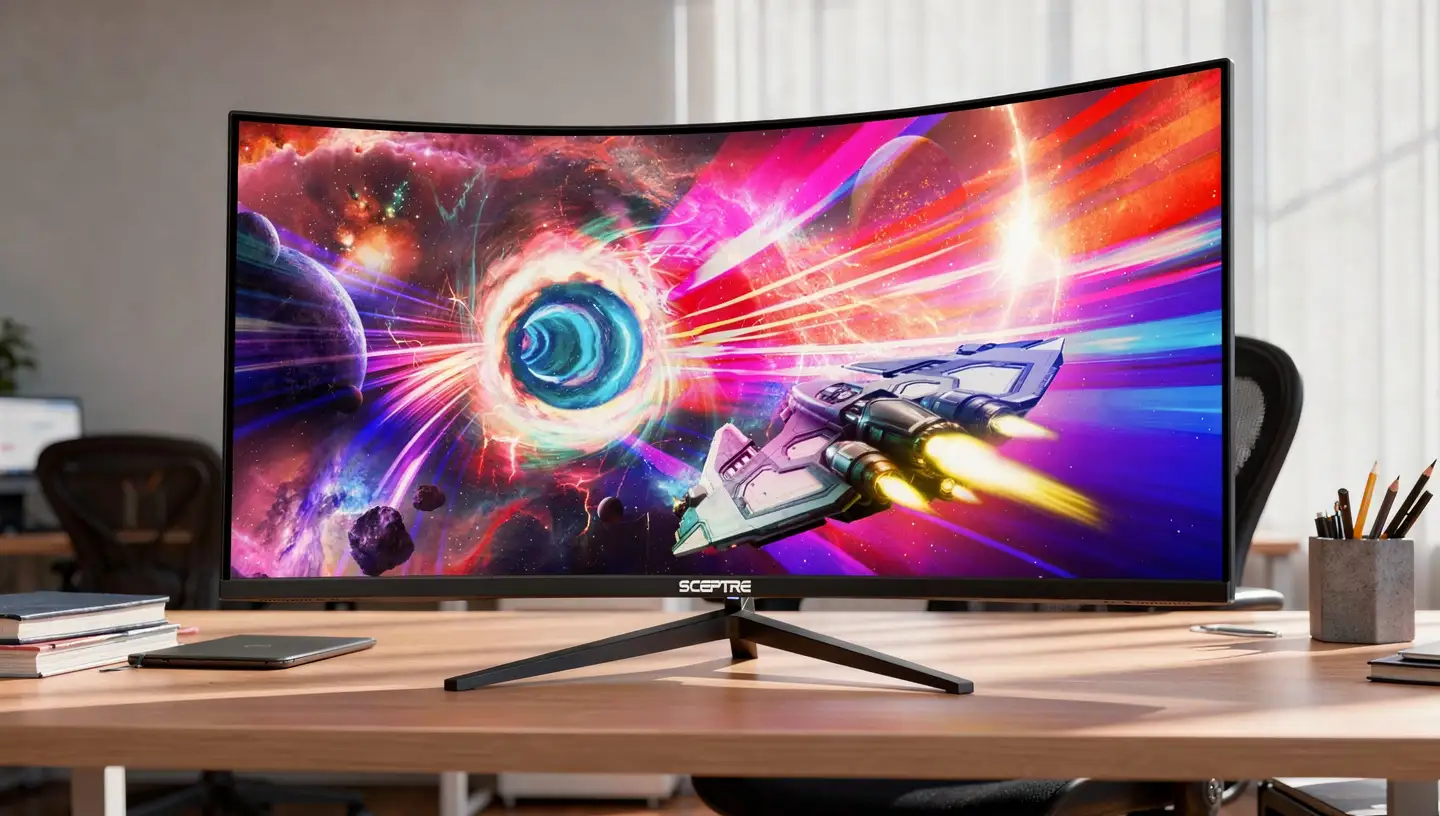
Either way, it is a big jump over the 30 inch 1080p ultrawides that sit lower in Sceptre’s range.
| Spec | Detail |
|---|---|
| Screen size | 34 inch, 1500R curved |
| Resolution | 3440×1440 WQHD |
| Refresh rate | Up to 180Hz on current units, 165Hz on earlier batches |
| Panel type | VA |
| Response time | 1ms blur reduction |
| Adaptive sync | AMD FreeSync Premium |
| Ports | 2x HDMI, 2x DisplayPort |
| Price | $499.99 |
The extra resolution over a 1080p ultrawide matters more than it might sound. Text stays readable, racing games and open world titles show noticeably more detail at the edges of the screen, and there is enough screen space to work comfortably alongside gaming. The VA panel gives deep blacks and strong contrast, which suits atmospheric single player games particularly well, and AMD’s FreeSync technology keeps that motion tear free, though it is worth knowing VA panels in general can show some smearing in fast, dark scenes.
Pros
- 3440×1440 resolution offers real detail over budget ultrawides
- 180Hz on current units, still 165Hz worth of speed on older stock
- Strong contrast thanks to the VA panel
- AMD FreeSync Premium keeps motion smooth
- Excellent price for a 34 inch curved ultrawide
Cons
- VA panel can smear slightly in dark, fast moving scenes
- Large curved size needs a reasonably deep desk
- Stand offers tilt only, no height or swivel adjustment
- Not the sharpest choice for competitive players who prefer smaller screens
This is the pick for most gamers who want one screen that handles racing games, RPGs, open worlds and everyday multitasking without stepping into premium ultrawide pricing. If your priority is frame rate over immersion, look at the competitive options further down this list instead.
3. Sceptre C325B-FW260D Review: Highest Refresh Rate
If pure speed is what you are after, the C325B-FW260D tops Sceptre’s entire lineup with a 260Hz refresh rate on a 32 inch curved screen.

It stays at 1080p rather than chasing resolution, which keeps the frame rate demands on your graphics card reasonable even at that speed.
| Spec | Detail |
|---|---|
| Screen size | 32 inch, 1500R curved |
| Resolution | 1920×1080 Full HD |
| Refresh rate | Up to 260Hz |
| Panel type | VA |
| Adaptive sync | AMD FreeSync |
| Price | $499.99 |
A 32 inch panel at 1080p is a larger pixel grid than you would want for close up productivity work, but for gaming from a normal seating distance it looks perfectly sharp, and the size adds real immersion without the extra pixels a higher resolution would demand at that speed. 260Hz is well beyond what most players can perceive frame by frame, but the lower input lag and smoother motion still register, especially for players coming from a 60Hz or 144Hz screen. Getting close to that ceiling consistently does require a strong GPU paired with lighter game settings.
Pros
- 260Hz is the fastest refresh rate anywhere in Sceptre’s current lineup
- 32 inch curved screen adds size without moving past 1080p
- 1080p resolution keeps GPU demand manageable even at high frame rates
- AMD FreeSync reduces tearing during fast motion
Cons
- 1080p on a 32 inch panel looks less sharp than smaller high refresh screens
- Needs a strong graphics card to consistently reach 260 frames per second
- VA panel motion clarity trails premium esports focused IPS options
- Basic stand with tilt adjustment only
This model suits players who have the hardware to push very high frame rates and want a bigger screen than the typical 24 or 25 inch competitive monitor. If 260Hz is more than your PC can realistically use, the next model on the list offers nearly the same speed in a smaller, easier to drive package.
4. Sceptre C275B-FW250G Review: Best for Competitive Gaming
Sceptre specifically points to this 27 inch curved model when the goal is competitive gaming, and the spec sheet backs that up.
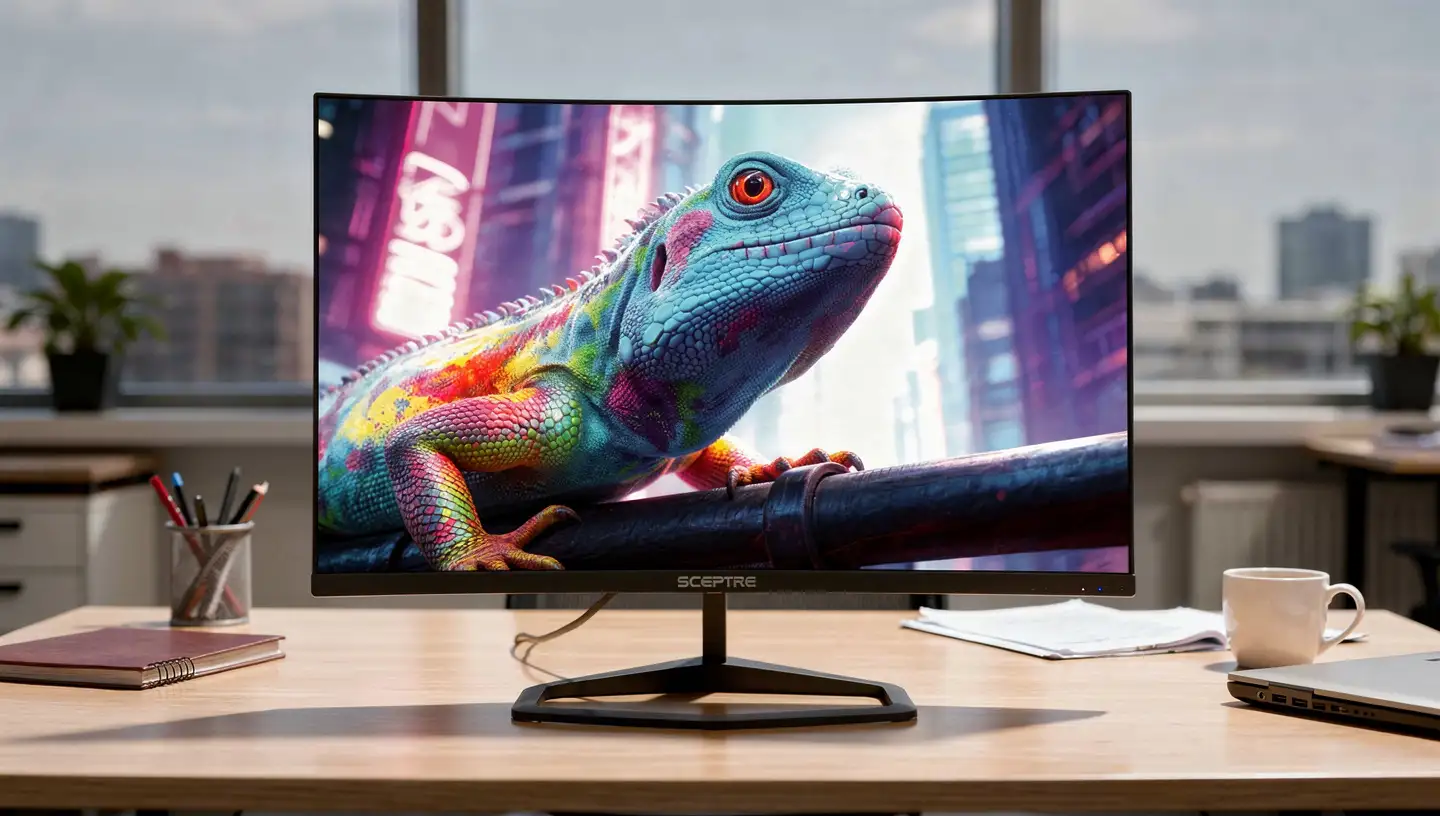
A 250Hz refresh rate at 1080p keeps the GPU workload light enough that a mid range graphics card can realistically hit the frame rates the panel is capable of showing.
| Spec | Detail |
|---|---|
| Screen size | 27 inch, 1500R curved |
| Resolution | 1920×1080 Full HD |
| Refresh rate | Up to 250Hz |
| Panel type | VA |
| Adaptive sync | Adaptive Sync |
| Price | $350.00 |
27 inches is a comfortable middle ground for competitive play, large enough to feel immersive without forcing you to move your eyes across the whole screen to track fast targets. Titles like Valorant, Counter-Strike 2 and Fortnite are exactly where a panel like this earns its keep, where smooth, tear free motion matters more than extra pixels. At 1080p, the GPU has an easier job reaching those high frame rates than it would at 1440p or 4K, which makes 250Hz genuinely usable rather than a number that only shows up in benchmarks.
Pros
- 250Hz refresh rate built specifically for competitive titles
- 1080p resolution is easy for a mid range GPU to drive at high frame rates
- 27 inch curved size balances immersion and desk space
- Strong value next to dedicated esports monitors from bigger brands
Cons
- 1080p is not especially sharp for general desktop use
- Less suited to productivity than a 1440p screen would be
- VA panel can still trail premium fast IPS displays in motion clarity
- Not designed with maximum image detail in mind
Choose this if competitive performance matters more to you than resolution or color accuracy, and your PC can consistently produce high frame rates in the games you play. Players who mostly enjoy slower, story driven games will get more out of the ultrawide or 4K options higher and lower on this list.
5. Sceptre E275B-FP240T Review: Best IPS for Speed
Most of Sceptre’s high refresh gaming monitors lean on VA panels, so the E275B-FP240T stands out by pairing a 240Hz refresh rate with an IPS panel instead.

That trade brings wider viewing angles and more natural color at the cost of the deep contrast VA panels are known for.
| Spec | Detail |
|---|---|
| Screen size | 27 inch, flat |
| Resolution | 1920×1080 Full HD |
| Refresh rate | Up to 240Hz |
| Panel type | IPS |
| Adaptive sync | Adaptive Sync |
| Price | $349.99 |
IPS panels generally hold up better than VA panels when the camera is turning fast and the scene is dark, since VA technology is more prone to smearing in exactly those conditions. That makes this model appealing if you play a mix of competitive shooters and slower games where color and viewing angle actually matter, rather than committing fully to one or the other. It is a flat panel rather than curved, which some competitive players actually prefer since a flat screen keeps the entire image in consistent focus edge to edge.
Pros
- 240Hz refresh rate on an IPS rather than VA panel
- Better viewing angles and color consistency than Sceptre’s VA models
- Flat screen design, useful for players who prefer it over curved
- Strong all round pick for mixed competitive and casual play
Cons
- IPS contrast is lower than the VA panels used elsewhere in the lineup
- 1080p resolution limits sharpness for desktop and productivity use
- No curved screen for players who want that added immersion
- Basic connectivity compared with Sceptre’s higher end models
Pick this one if IPS color and viewing angles matter to you as much as the refresh rate itself. If contrast and immersion are the priority instead, the curved VA options earlier on this list will suit you better.
Sceptre 6 to 10: Also Worth Considering
Sceptre U325W-UPT, 32 inch, is the pick if detail matters more than raw speed. It runs a 3840×2160 4K panel with an IPS screen and full sRGB coverage, though the refresh rate tops out around 70Hz. That makes it a poor fit for competitive PC gaming, but a genuinely good choice for console gaming, movies and everyday computing where image quality carries more weight than frame rate.
Sceptre E305B-FU200TW, 30 inch, brings ultrawide gaming down to a lower price point than the 34 inch C345B. It runs a 2560×1080 panel at up to 210Hz with AMD FreeSync support, trading some pixel density for a genuinely fast, budget friendly entry into the wider aspect ratio.
Sceptre E255B-FWT240, 25 inch, packs a 240Hz refresh rate and a 1ms response time into a smaller, easier to fit footprint than the 27 inch competitive models above. It is a solid choice for players who want high refresh gaming on a smaller desk without paying for extra screen size they do not need.
Sceptre E248B-FW165T, 24 inch, keeps things simple with a 165Hz refresh rate, Adaptive Sync and DisplayPort connectivity at one of the lowest prices in the lineup. It is a sensible starting point for a first gaming PC or a budget second monitor.
Sceptre E275B-FW180T, 27 inch, rounds out the list as an easy, well rounded pick. 180Hz and a 1ms response time cover most casual to mid level gaming needs without asking for a premium price or a high end graphics card to make use of it.
Who Makes Sceptre Monitors?
Sceptre has operated in consumer electronics since 1984, though the brand is far better known for value than for headline grabbing innovation. Rather than manufacturing its own panels the way LG or Samsung does, Sceptre sources panels and components from established suppliers and focuses its engineering and marketing budget on assembling those parts into monitors that hit a low price point. That approach is exactly why refresh rates and screen sizes that once sat firmly in premium territory now show up across Sceptre’s catalog at a fraction of the cost.
Why Are Sceptre Gaming Monitors So Affordable?
The pricing is not a trick, it comes from a handful of deliberate trade offs. Build quality sits on the simpler end, stands are usually tilt only rather than the height, swivel and pivot adjustments premium brands include. Extras such as USB-C, Thunderbolt, advanced local dimming HDR and factory color calibration are largely absent across the lineup, and Sceptre spends far less on marketing and sponsorships than the bigger names in the category. None of that changes the core display technology much, it just strips away the parts of the price tag that many gamers do not actually use day to day.
Is Sceptre a Good Gaming Monitor Brand?
Judged against premium manufacturers, Sceptre is not trying to compete on refinement, and it does not pretend to. Judged on what most buyers actually look for in a gaming monitor, high refresh rates, decent panels, FreeSync support and a wide range of sizes, Sceptre covers the essentials convincingly.
Casual and mid level gamers who upgrade from a 60Hz office monitor to even a budget 144Hz or 165Hz Sceptre model tend to notice an immediate difference in how games feel. Competitive players chasing the absolute best motion clarity available will still find premium IPS and OLED monitors from other brands ahead of Sceptre, but that gap has narrowed considerably as Sceptre has pushed further into 240Hz and 250Hz territory.
How Reliable Are Sceptre Monitors?
Reliability is where opinions on Sceptre split the most. Many owners report years of trouble free use, and display panels themselves tend to hold up reasonably well over time, particularly on gaming focused models where the refresh rate stays useful for years after purchase. The most common complaints involve secondary components rather than the panel, things like power supply failures, occasional flickering and backlight bleed.
Dead pixels also come up more often in owner feedback than they do with premium brands, which is worth knowing before you buy, especially since a new monitor is the point where a defective panel is easiest to catch and return.
Sceptre Gaming Monitor Panel Types Explained
Sceptre’s gaming lineup leans heavily on VA panels, with IPS and a handful of flat TN style options mixed in depending on the model. Each panel type brings a different balance of strengths.
| Panel type | Strength | Weakness | Typical input lag |
|---|---|---|---|
| TN | Fastest response time, lowest cost | Weakest colors and viewing angles | Around 1 to 4ms |
| VA | Deep blacks, strong contrast | Can smear in fast, dark scenes | Around 4 to 6ms at high refresh rates |
| IPS | Wide viewing angles, accurate color | Lower contrast than VA | Around 3 to 5ms at high refresh rates |
These are typical ranges for panels in this class rather than figures measured on every individual model, and actual input lag shifts a little depending on the refresh rate and overdrive setting in use. Even at the higher end of those ranges, the delay is well below what most players can consciously feel during normal gameplay.
Most of Sceptre’s curved models, including the C345B, C325B and C275B lines, use VA panels, which explains why deep contrast and strong black levels are a recurring strength across the brand’s reviews. The flat E275B-FP240T is one of the exceptions, trading some of that contrast for IPS color accuracy and wider viewing angles instead. Neither choice is objectively better, it comes down to whether you value contrast or color consistency more in the games you play.
Do Sceptre Gaming Monitors Work with PS5 and Xbox?
Yes, in the sense that they will connect and display a signal without any issues. Most Sceptre monitors handle 1080p and 1440p console gaming without trouble, and models like the C345B ultrawide or U325W-UPT work especially well for the kind of large screen, high detail experience consoles are built around. Where Sceptre falls short is at the very top end of what current consoles can do. Few models in the lineup include HDMI 2.1, so 4K output at 120Hz, the feature current generation consoles use for their fastest performance modes, is generally out of reach. For standard console play at 1080p or 1440p, though, Sceptre monitors are a perfectly usable and affordable option.
Sceptre Warranty and Dead Pixel Policy
Sceptre backs its monitors with a limited manufacturer warranty covering defects in materials and workmanship under normal use. Dead pixels are handled through a published policy rather than an automatic replacement for any single defective pixel, full details are available directly on Sceptre’s warranty service page. As with most manufacturers, a display generally needs a certain cluster or combination of defective pixels before it qualifies for a swap, so buyers who spot an issue shortly after purchase often have more luck going through the retailer’s return window than waiting on a warranty claim.
Sceptre vs Other Budget Gaming Monitor Brands
Sceptre sits firmly in the value segment of the monitor market, which puts it in direct competition with a handful of other budget focused brands rather than the premium tier occupied by names like ASUS ROG or Samsung Odyssey.
Sceptre vs Acer
Acer competes closely with Sceptre through its Nitro line, and the two brands trade blows depending on what you value most. Acer generally edges ahead on build quality and consistency, with sturdier stands and more adjustment options across its range. Sceptre typically undercuts Acer on price while still matching comparable refresh rates, which makes it the stronger pick for buyers working with a tighter budget.
Sceptre vs AOC
AOC is arguably the closest match to Sceptre in overall positioning, both brands chase value over refinement. AOC tends to have slightly better quality control and a stronger reputation among gamers through its G-Series monitors. Sceptre counters with more aggressive pricing across a wider range of sizes, so the gap between the two often comes down to how much a buyer is willing to pay for that extra bit of consistency.
Sceptre vs ASUS
ASUS plays in a different tier entirely, with its ROG and TUF Gaming lines offering better motion handling, more refined ergonomics and stronger factory calibration. That refinement carries a real price premium, and Sceptre can deliver similar refresh rates and resolutions for meaningfully less money. Competitive players chasing every possible advantage will lean toward ASUS, while budget conscious buyers who want smooth, high refresh gaming without the premium price tag will find Sceptre the more practical choice.
Sceptre vs LG
LG manufactures panels for much of the display industry and has a reputation built on color accuracy and dependable IPS technology. For creative work and professional color needs, LG remains the stronger option. Sceptre closes the gap for gaming, though, since many of its high refresh models feel just as smooth as an equivalent LG screen despite costing considerably less. Choose LG if image quality and long term consistency top your list, choose Sceptre if stretching your budget further matters more.
Sceptre vs Samsung
Samsung leads much of the curved and VA panel market, and its Odyssey gaming line sets a high bar for build quality, HDR performance and overall polish. Sceptre cannot match that level of refinement, but it often offers a similar core spec sheet, curved screen, high refresh rate, VA panel, for a noticeably lower price. For buyers who want Samsung style curved gaming without Samsung pricing, Sceptre is one of the closest alternatives on the market.
How to Choose a Sceptre Gaming Monitor
With this many models available, matching the right one to your setup comes down to a handful of factors that matter more than the headline spec on the box.
Refresh Rate
Sceptre’s range runs from 100Hz budget models up to 360Hz in the flagship’s Full HD mode. A higher number only helps if your graphics card can actually produce frames fast enough to use it, so match the refresh rate to what your PC realistically outputs in the games you play rather than buying the highest number available.
Resolution
1080p remains the practical choice for high refresh, budget focused gaming, especially on 24 to 27 inch screens. Stepping up to 1440p or the 3440×1440 ultrawide format adds real sharpness and screen space, while 4K resolution asks for a considerably stronger graphics card in exchange for the sharpest possible image.
Panel Type
VA panels dominate Sceptre’s curved lineup and deliver strong contrast for movies and atmospheric single player games. IPS models trade some of that contrast for better color consistency and wider viewing angles, which tends to matter more if you split time between gaming and other work on the same screen.
Curved or Flat
A curved screen adds a sense of depth and works particularly well on larger panels and ultrawides, where a flat screen would otherwise stretch your peripheral vision uncomfortably. Competitive players sometimes prefer a flat panel instead, since it keeps the whole image in consistent focus without any curve to account for near the edges.
Connectivity
Check the port selection against what you actually plan to connect. HDMI covers most consoles, while DisplayPort is generally the better choice for PC gaming at higher refresh rates. A monitor with multiple HDMI inputs makes it easy to keep a PC and a console connected at the same time without swapping cables.
144Hz vs 240Hz on Sceptre Monitors
Sceptre’s pricing makes 240Hz and 250Hz models tempting, but the jump from a lower refresh rate is not always as dramatic as the number suggests. Moving from 60Hz to 144Hz is transformative, motion goes from choppy to fluid almost immediately, and most players notice it within minutes.
Moving from 144Hz to 240Hz is far more subtle, especially on a budget VA panel rather than a premium fast IPS screen. You gain some extra responsiveness, but not the same leap in clarity or refinement. Unless you are specifically targeting competitive play where every frame counts, a well balanced 144Hz or 165Hz Sceptre model can end up feeling like the smarter purchase than paying extra for 240Hz you may not fully notice.
Is Sceptre a Good Upgrade from 1080p?
That depends more on what you are upgrading from than on resolution alone. If you are coming from a basic 60Hz office style monitor, jumping to almost any Sceptre gaming model, even a budget 144Hz option, will redefine how games feel. The refresh rate increase alone makes that upgrade worthwhile.
If your goal instead is moving into sharper image quality, better color accuracy or more refined panel performance, the improvement will feel smaller, since Sceptre generally prioritizes speed and screen size over that kind of visual refinement.
What to Avoid When Buying a Sceptre Monitor
A few habits lead to disappointment with any budget gaming monitor, Sceptre included. The biggest mistake is choosing purely by refresh rate number. A 240Hz label looks impressive, but on a budget panel, pushing the response time setting to its maximum can introduce visible artifacts instead of cleaner motion, which defeats the purpose of chasing a higher number in the first place. Panel type is easy to overlook too, VA panels bring strong contrast but can struggle with motion in darker scenes, which matters most if you play fast, competitive games.
Resolution and screen size need to be weighed together as well, since a large curved ultrawide can look softer than expected if the resolution does not scale well with the size. Finally, do not treat build quality and ergonomics as an afterthought if you plan long gaming sessions, most Sceptre stands offer tilt only adjustment, and that becomes more noticeable over time than it seems in a spec sheet.
Sceptre Monitor Settings for Gaming
Out of the box, many Sceptre monitors are not tuned particularly well, brightness often runs high enough to wash out detail, and the default color temperature can lean cooler than it should. Spending a few minutes in the on screen menu makes a real difference. Lowering brightness and adjusting contrast slightly usually makes the image look more natural and easier on the eyes over long sessions.
Response time or overdrive settings deserve some care too, pushing them to the maximum level often introduces ghosting artifacts rather than eliminating them, so a middle setting is usually the better balance. For competitive games specifically, turning off unnecessary picture processing features and keeping the image clean helps reduce distraction and keeps input delay as low as the panel allows.
Final Verdict: Are Sceptre Gaming Monitors Worth It?
Sceptre gaming monitors make the most sense once you stop comparing them to premium displays and judge them on their own terms. You are trading some build refinement, ergonomic flexibility and out of the box polish for a real drop in price across high refresh rates, curved screens, ultrawide formats and now even 4K dual mode gaming.
For budget conscious players, first time PC gamers and anyone building a setup without spending premium money, that trade holds up well. Competitive players chasing the absolute best motion clarity, and buyers who prioritize build quality and ergonomics above everything else, will still find better options elsewhere. For most gamers in between, Sceptre delivers real value once you pick the right model for how you actually play.
Sceptre Gaming Monitor FAQ
Are Sceptre Gaming Monitors Good?
Yes, for buyers who prioritize value over premium refinement. Sceptre covers high refresh rates, FreeSync support, curved and ultrawide formats and a wide range of screen sizes at prices well below most competing brands, though build quality and color calibration are simpler than what premium manufacturers offer.
How Long Do Sceptre Monitors Last?
Most Sceptre monitors last several years with normal use. Panels themselves tend to age well, especially on gaming models where the refresh rate stays useful long after purchase, while failures more often involve secondary components like the power supply rather than the display itself.
Is Sceptre Better Than Acer or AOC?
Not in build quality or consistency, where both Acer and AOC generally hold a slight edge. Sceptre’s advantage is price, it frequently matches the refresh rates and resolutions of Acer and AOC models for noticeably less money, making it the stronger choice for tightly budgeted setups.
Do Sceptre Monitors Support 144Hz or Higher?
Yes, most of Sceptre’s current gaming lineup runs at 144Hz or above, with several models reaching 240Hz, 250Hz and 260Hz, and the flagship C415B-UUS360 reaching up to 360Hz in its Full HD mode.
Are Sceptre Monitors Good for PS5?
They work well for standard PS5 gaming at 1080p and 1440p. Most models lack HDMI 2.1, though, so they cannot deliver the console’s full 4K at 120Hz output, which matters mainly to players chasing that specific next generation feature.
Does Sceptre Have a Dead Pixel Warranty?
Yes, Sceptre has a published dead pixel policy rather than an automatic replacement for any single defective pixel, generally requiring a certain cluster or combination of pixel defects before a unit qualifies for a swap under warranty.
Which Is the Best Sceptre Gaming Monitor?
The C415B-UUS360 is Sceptre’s flagship and most capable model overall, while the 34 inch C345B-QUT168 ultrawide offers the strongest all around value for most buyers. The right choice ultimately depends on whether you prioritize maximum resolution, refresh rate or price.
Are Sceptre Monitors VESA Compatible?
Many are, though compatibility varies by model, so it is worth checking the specification sheet for the exact monitor before buying. VESA mounting is common on Sceptre’s larger and gaming focused screens.
Do Sceptre Monitors Use IPS or VA Panels?
Both, depending on the model. VA panels are more common across Sceptre’s curved gaming lineup and offer stronger contrast, while a smaller number of models, including the E275B-FP240T, use IPS panels for wider viewing angles and more accurate color.