🖥️ Guides · Reviews · Tech Explained
Gaming Monitor Guides
That Actually Make Sense
From refresh rates and panel types to resolution and response time — every spec that affects your gaming experience explained in plain English.
1080p → 8K
Resolutions covered
60–540Hz
Refresh rates explained
IPS · VA · TN
Panel types compared
G-Sync · FreeSync
Sync technology guides
Start here
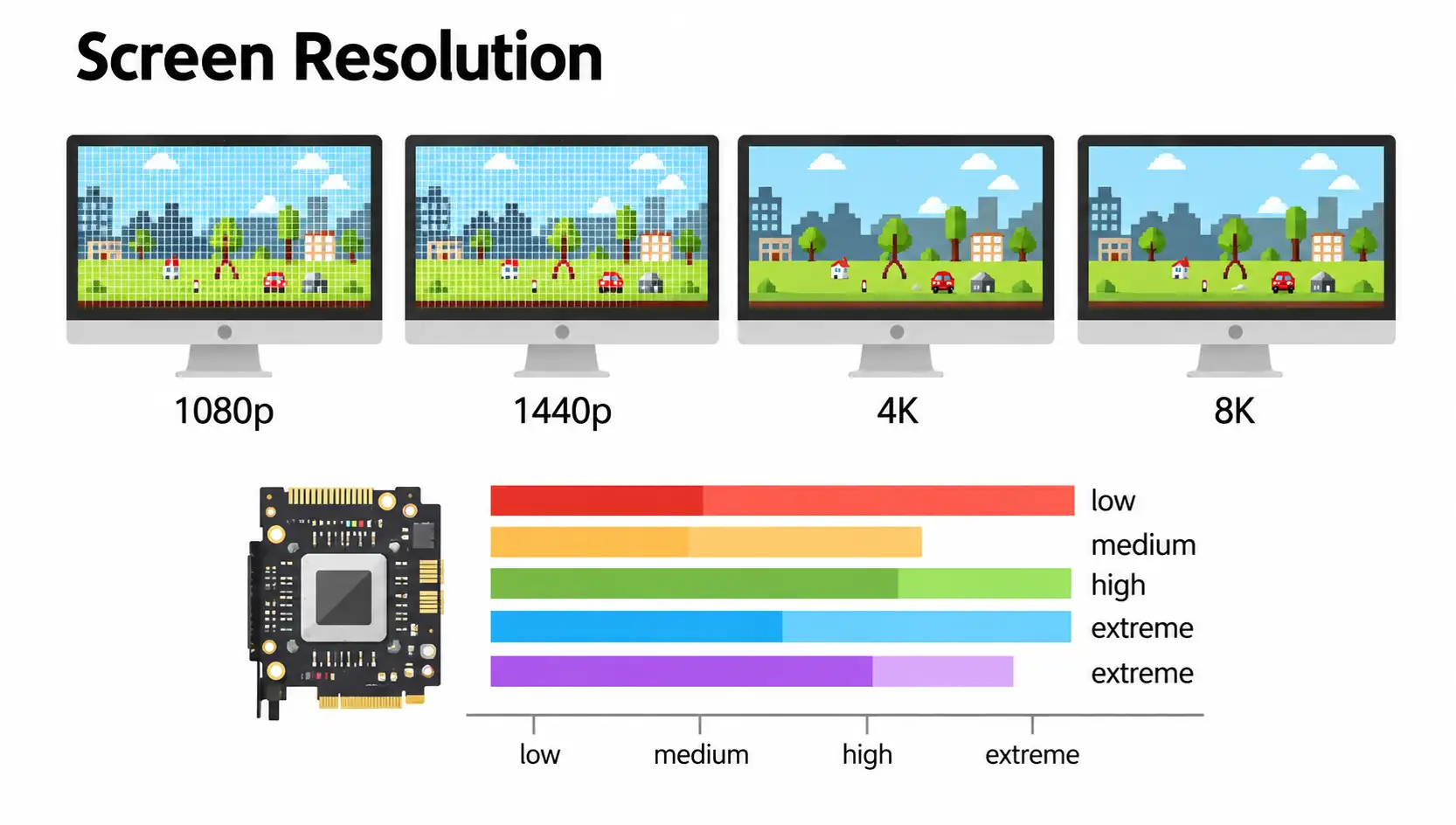
Featured Guide
Resolution, refresh rate, panel type, response time, sync technology — every spec that matters explained in one place, so you know exactly what to look for before you buy.
Read the guide →
Setup & How-To Guides
Connecting, setting up, 120Hz explained, and curved vs flat.
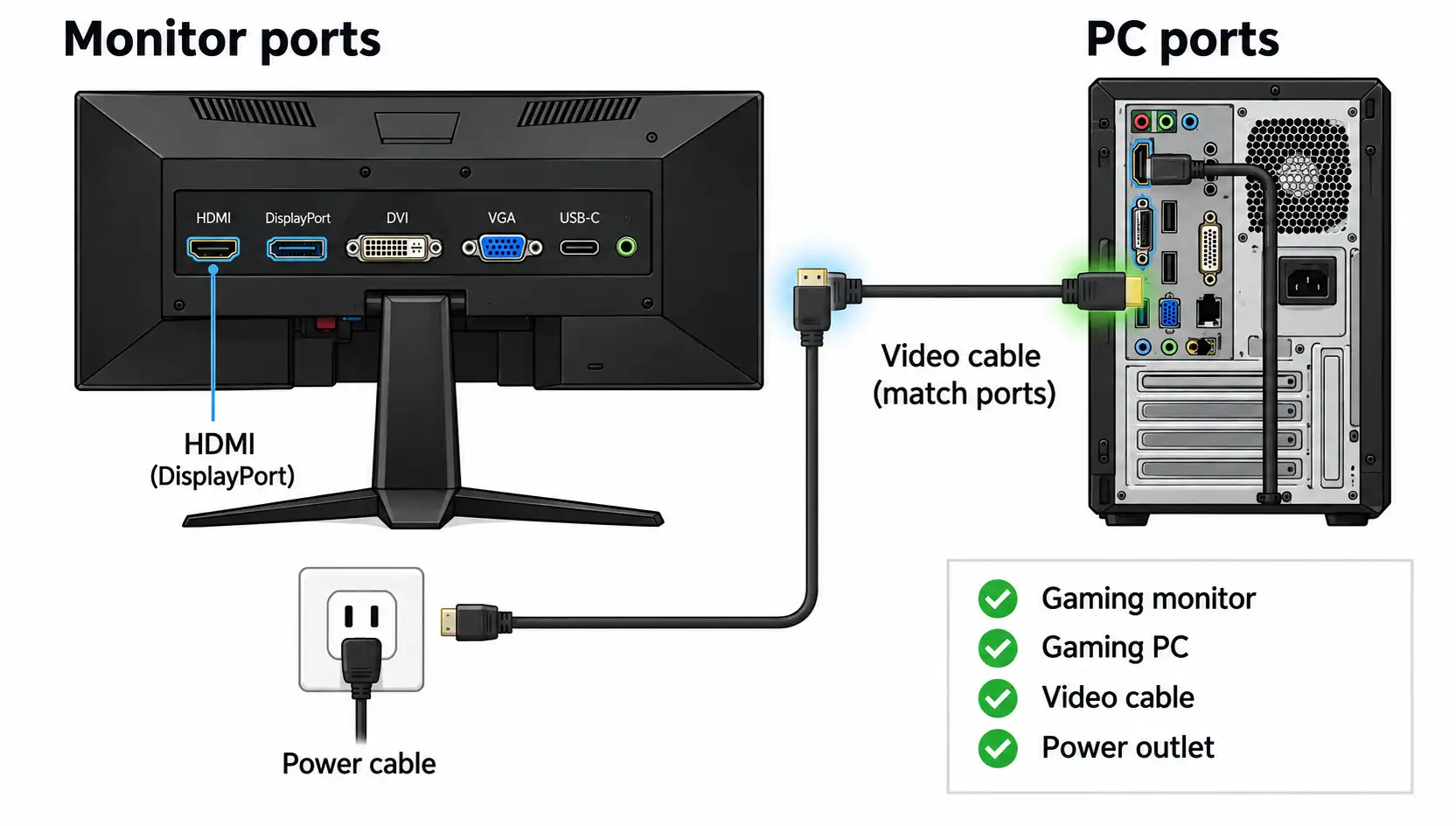
Guide
HDMI, DisplayPort, USB-C — which cable to use and how to make sure your PC sends the right signal.
Read more →
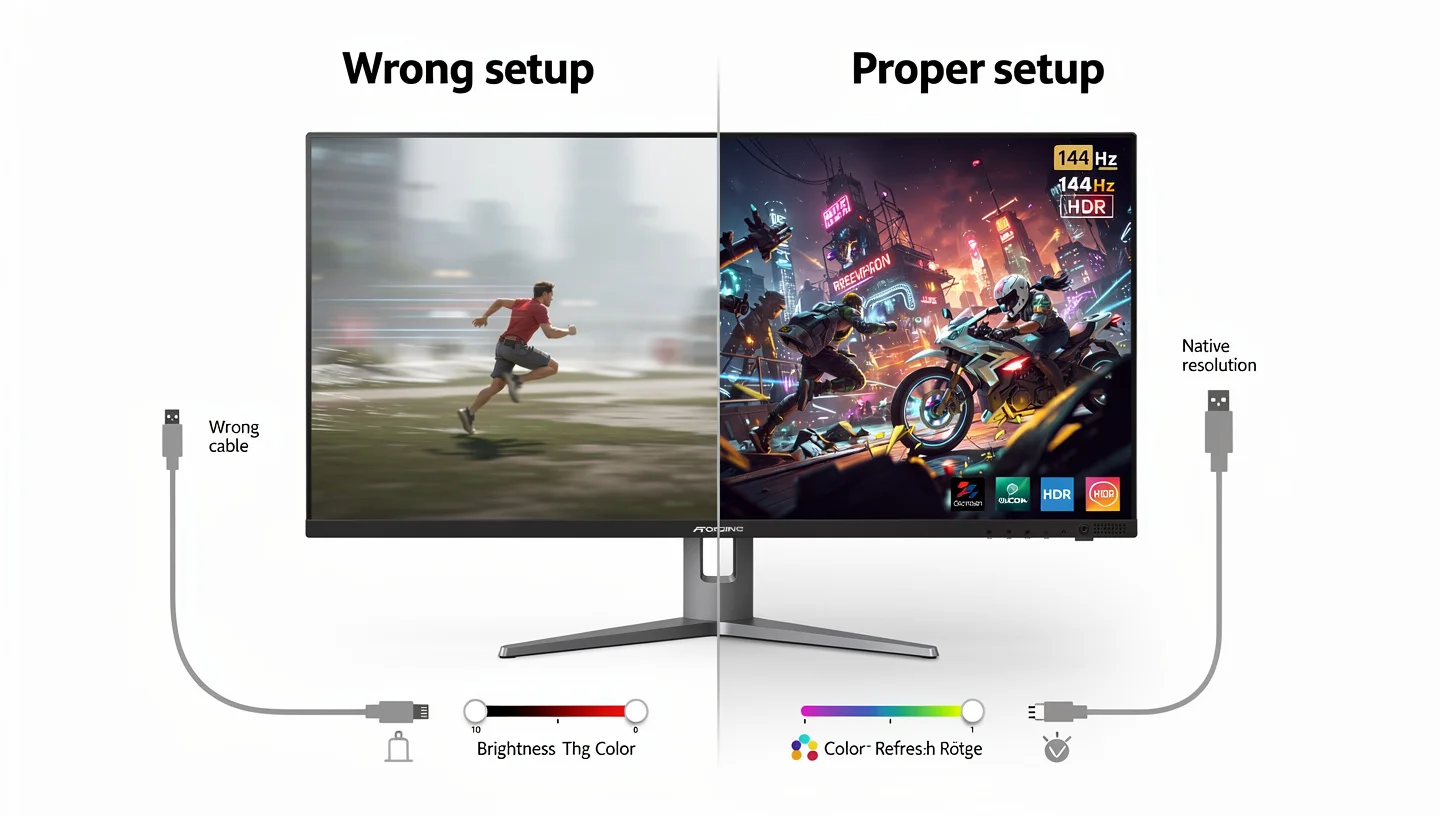
Guide
Stand assembly, cable routing, OSD settings — the full setup process from unboxing to first game.
Read more →
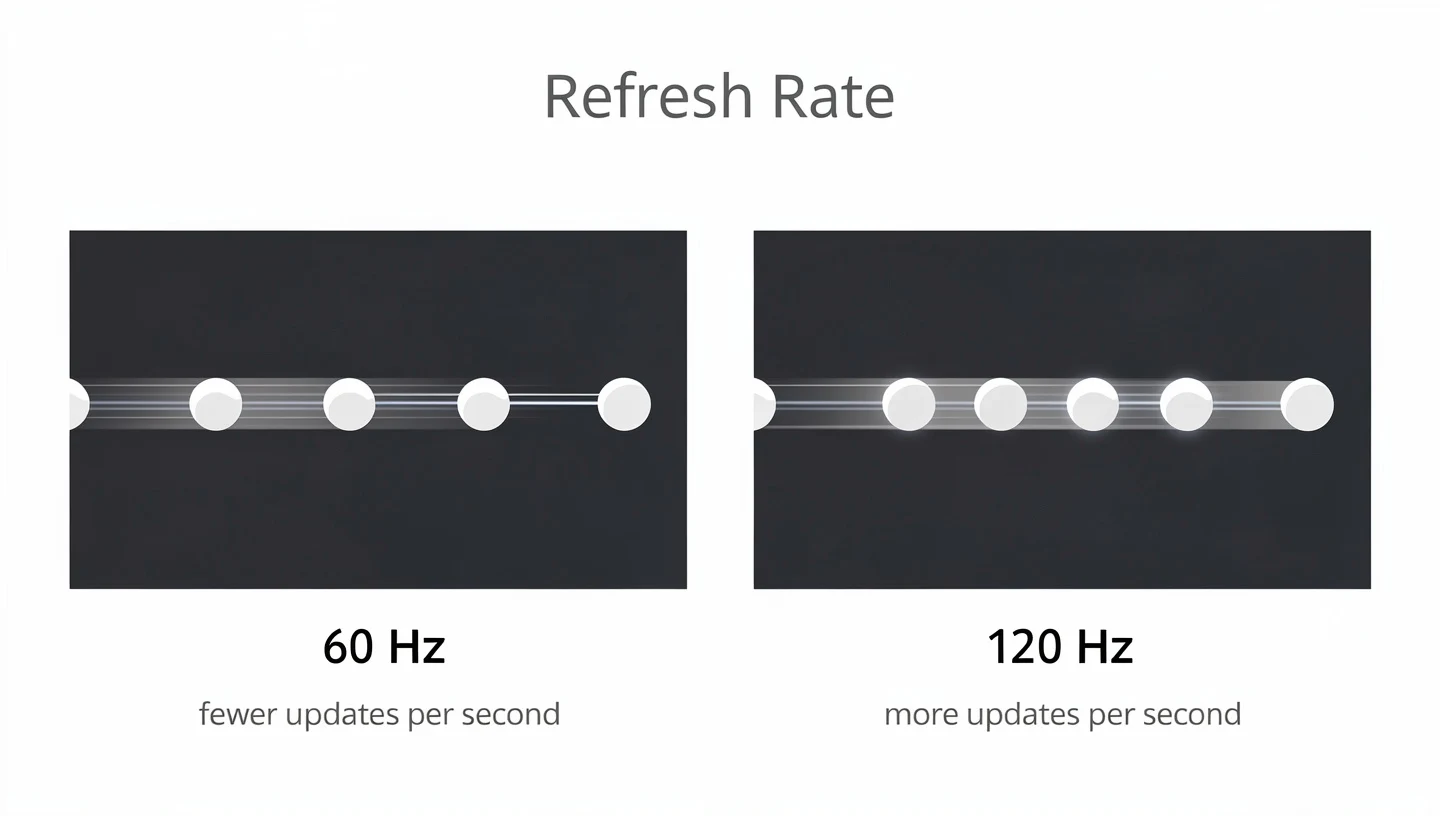
Guide
120Hz is a big step up from 60Hz — but is it enough or should you go higher? The honest answer.
Read more →
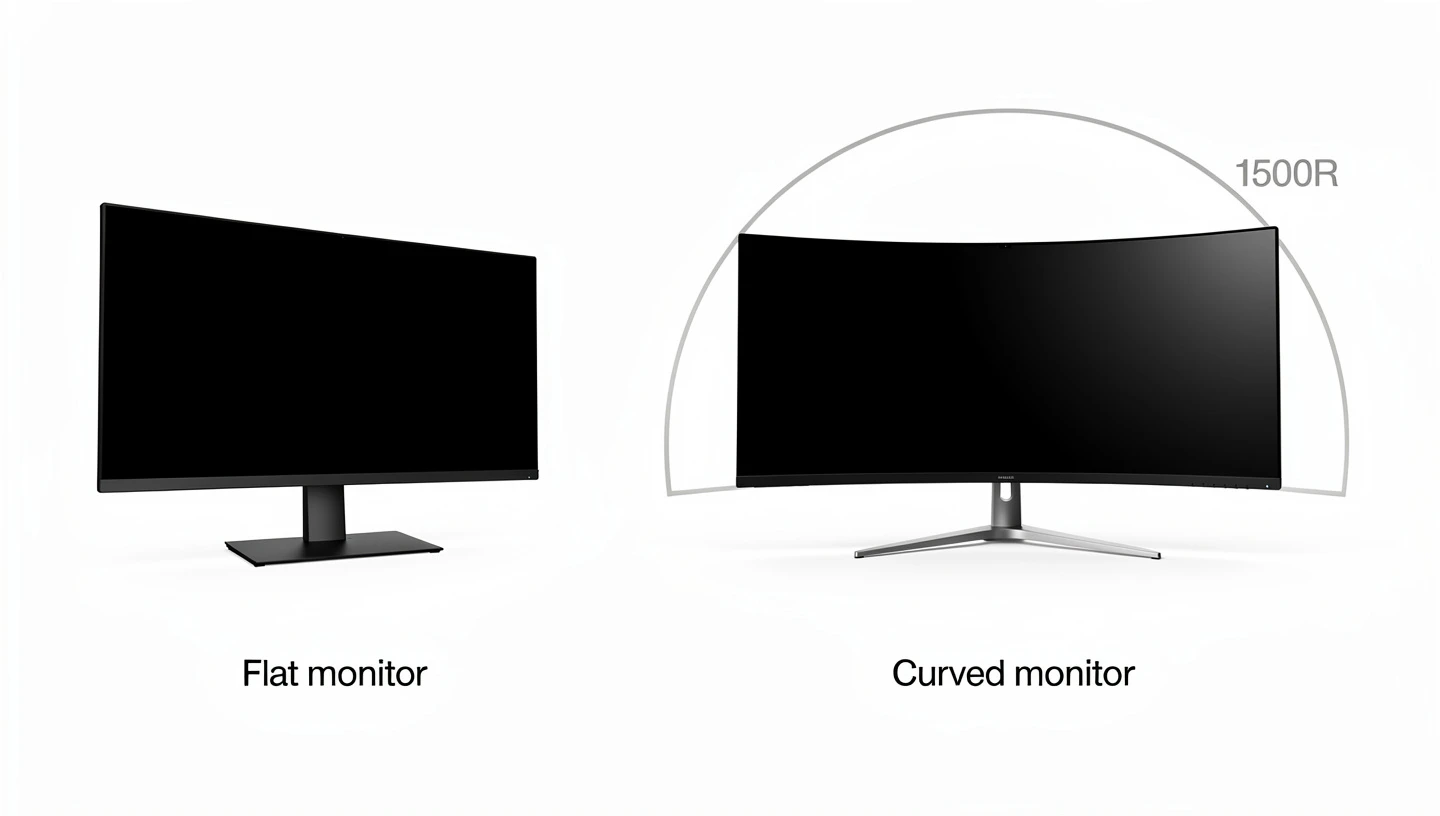
Guide
Curved screens look great in demos — here is what they actually feel like after a week of gaming on one.
Read more →
Tech Explained
Panel types, refresh rate, response time, HDR — every spec that shows up on a monitor box, explained clearly.
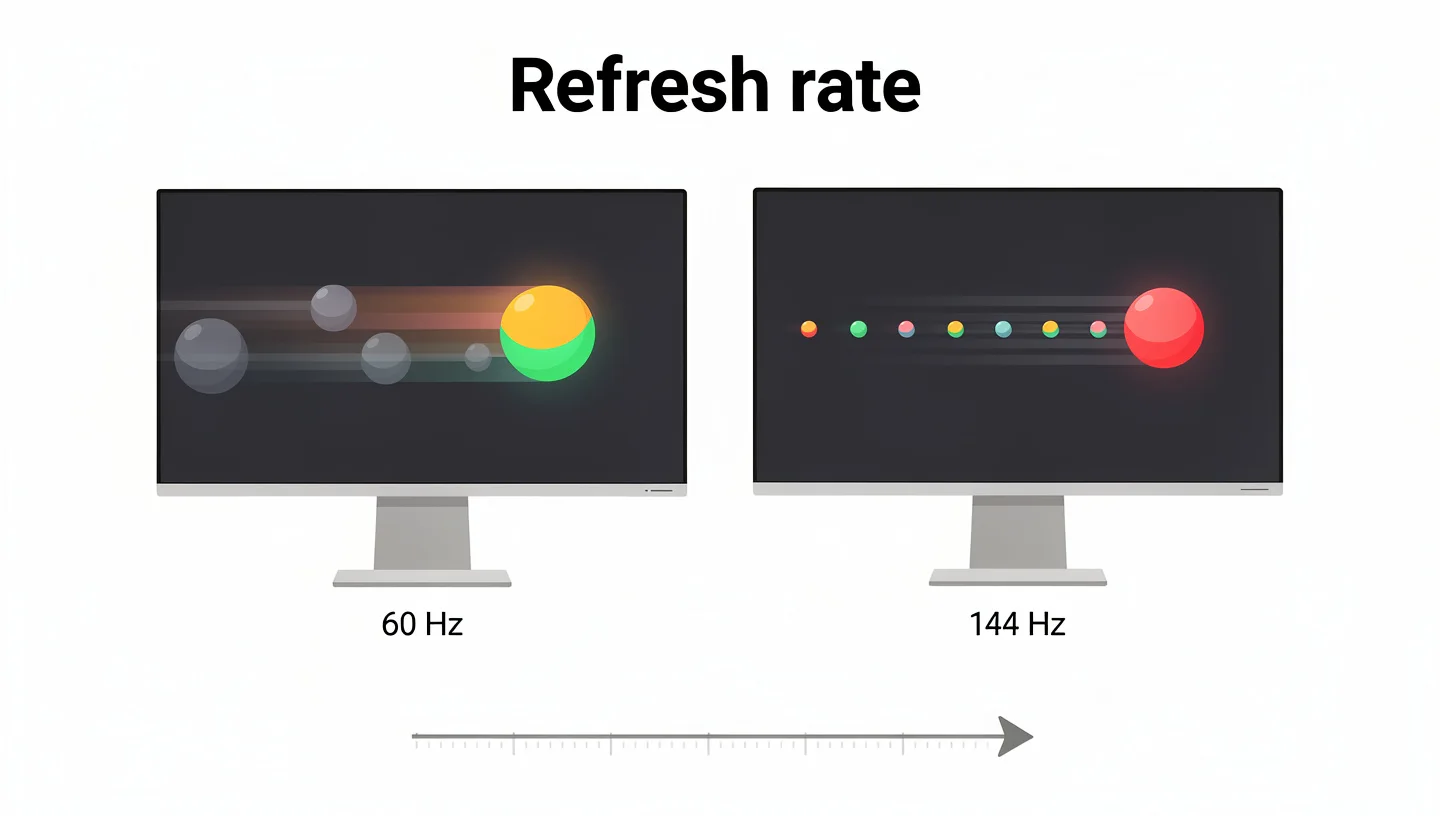
Tech
60Hz, 144Hz, 240Hz, 360Hz — what the numbers mean and which is right for how you game.
Read more →
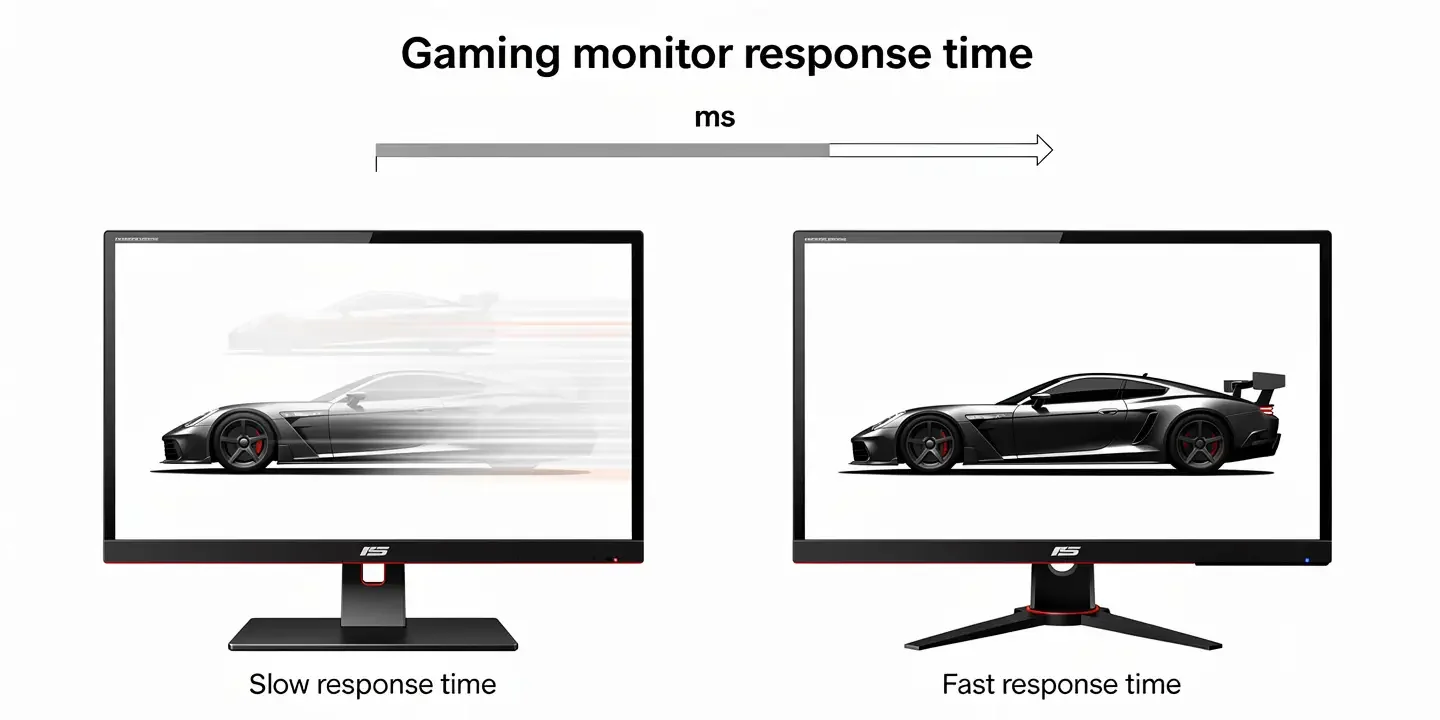
Tech
1ms sounds fast but GTG and MPRT measure different things. What actually matters for gaming.
Read more →
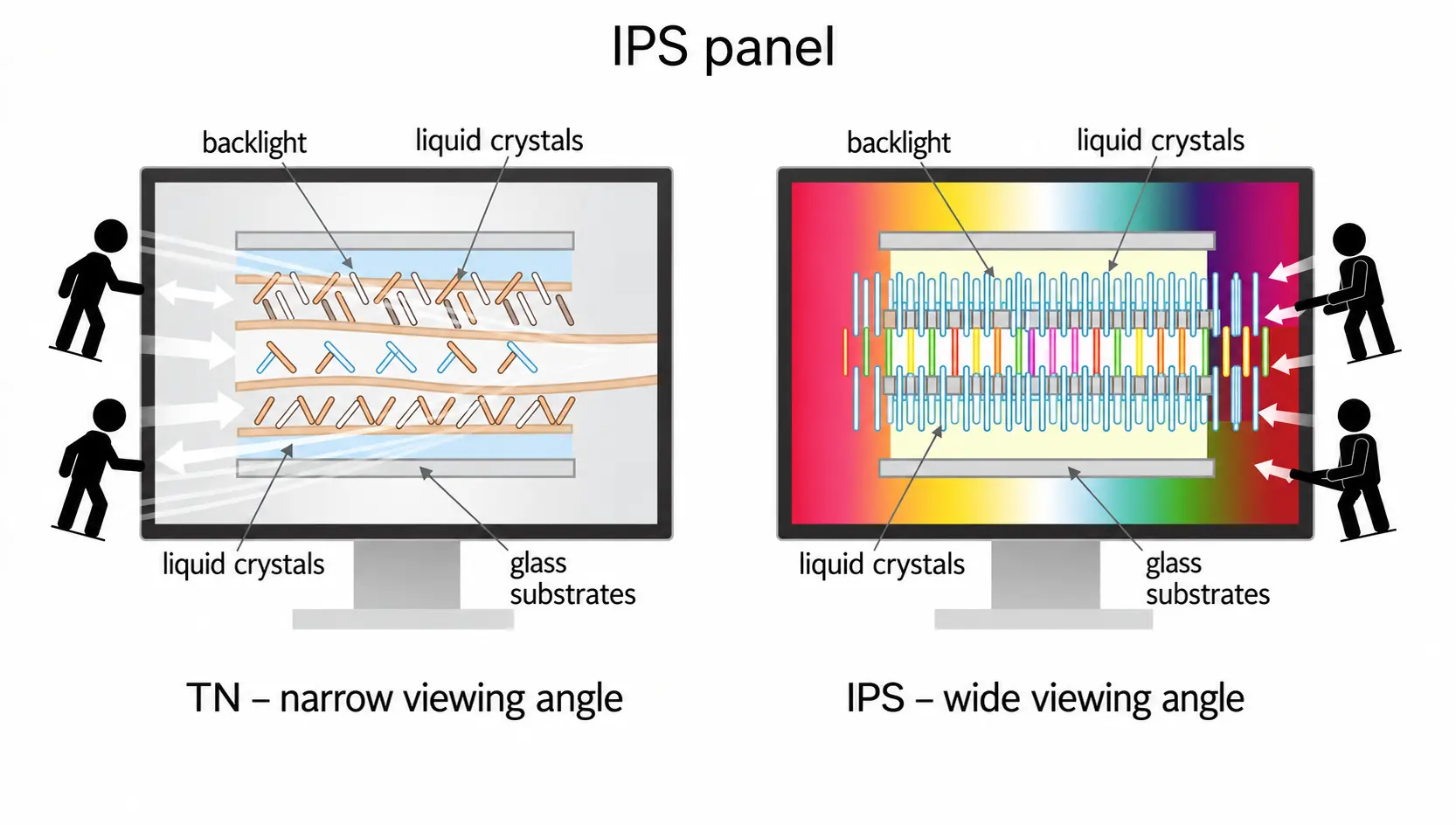
Tech
Great colours and wide viewing angles — when IPS is the right choice and when TN or VA beats it.
Read more →
Tech
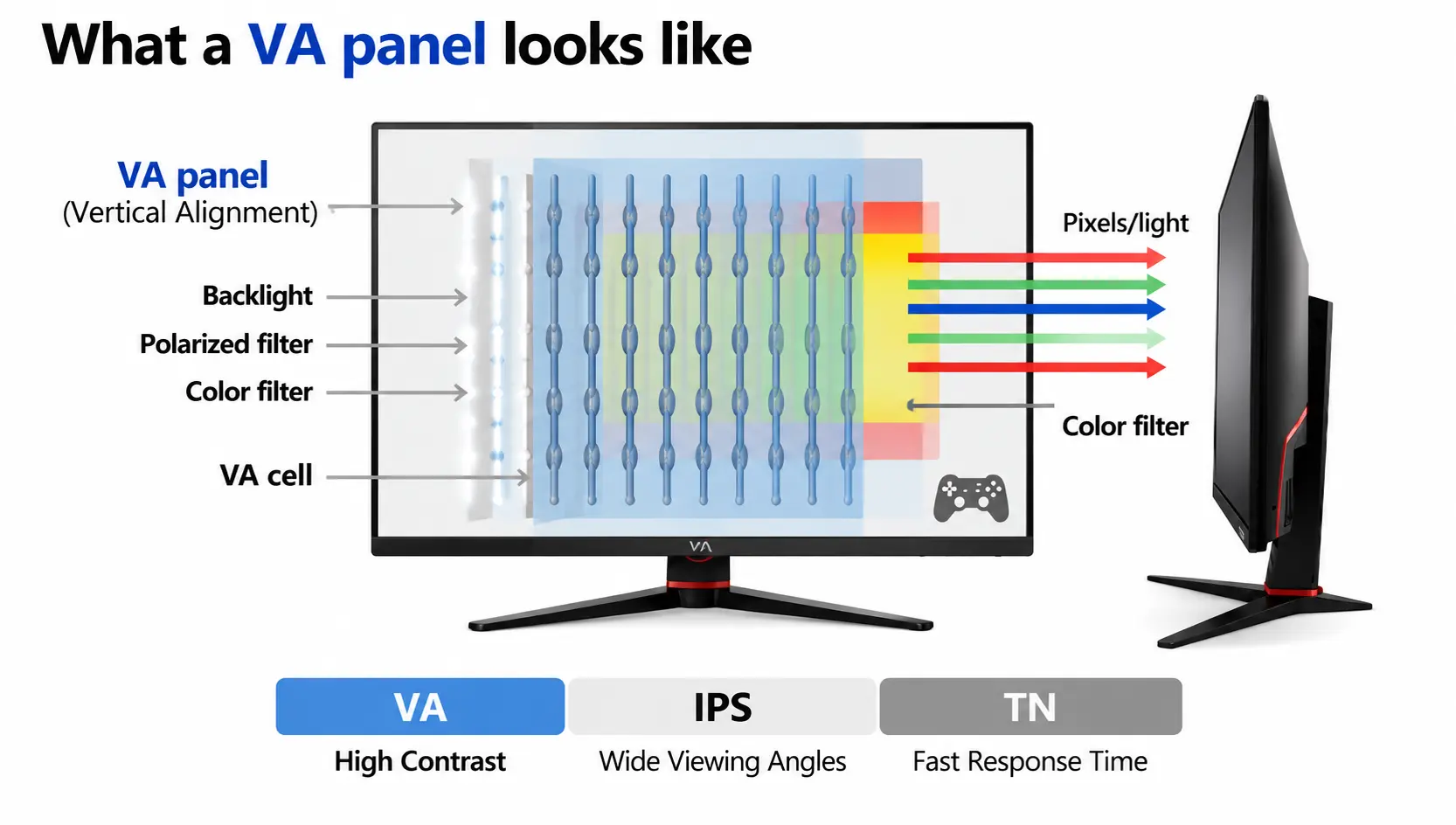
Best contrast of any LCD type — great for dark games, with one known trade-off explained.
Read more →
Tech
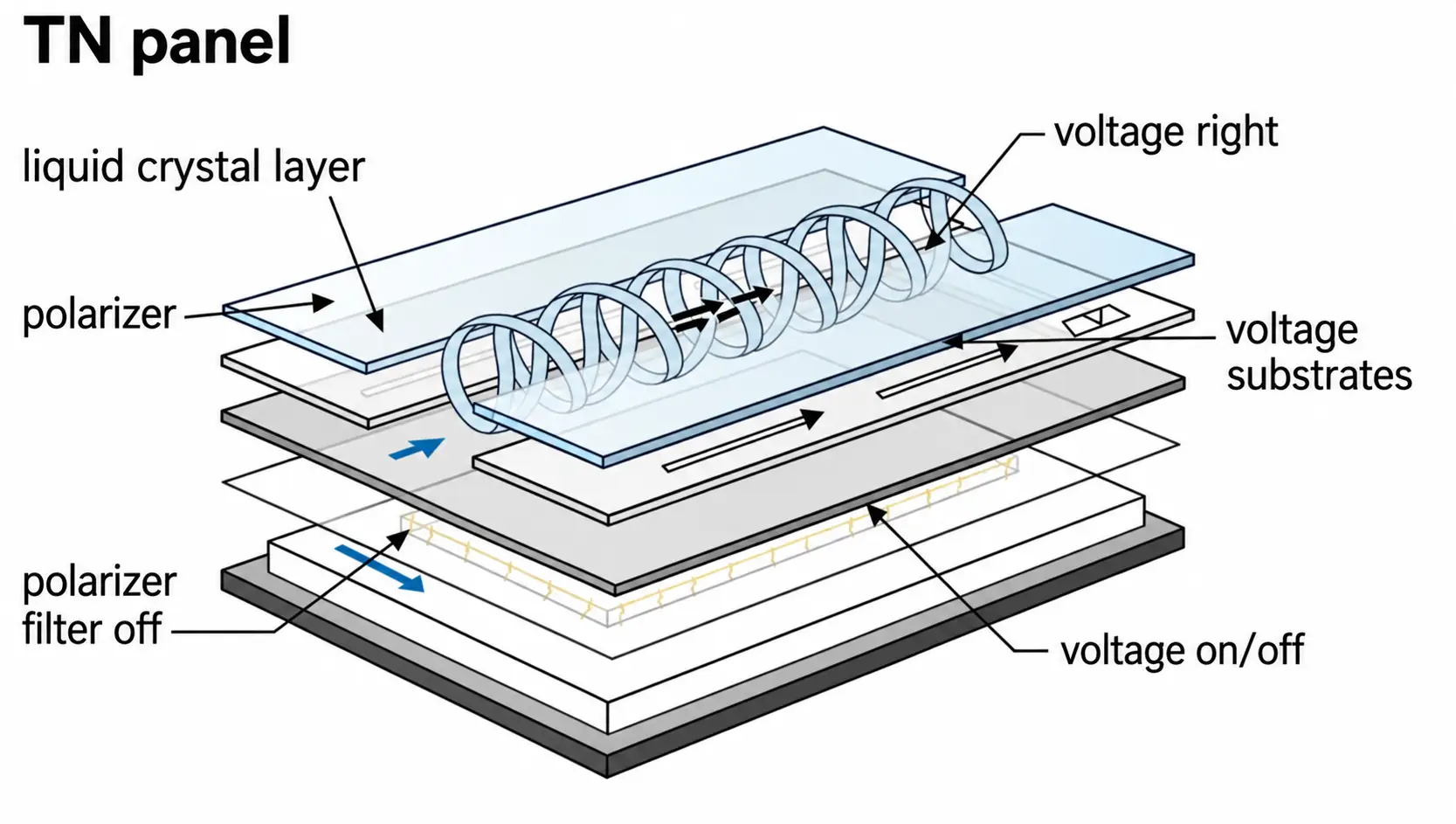
The fastest LCD type, still used in esports at the top level — here is why and what you give up.
Read more →
Tech
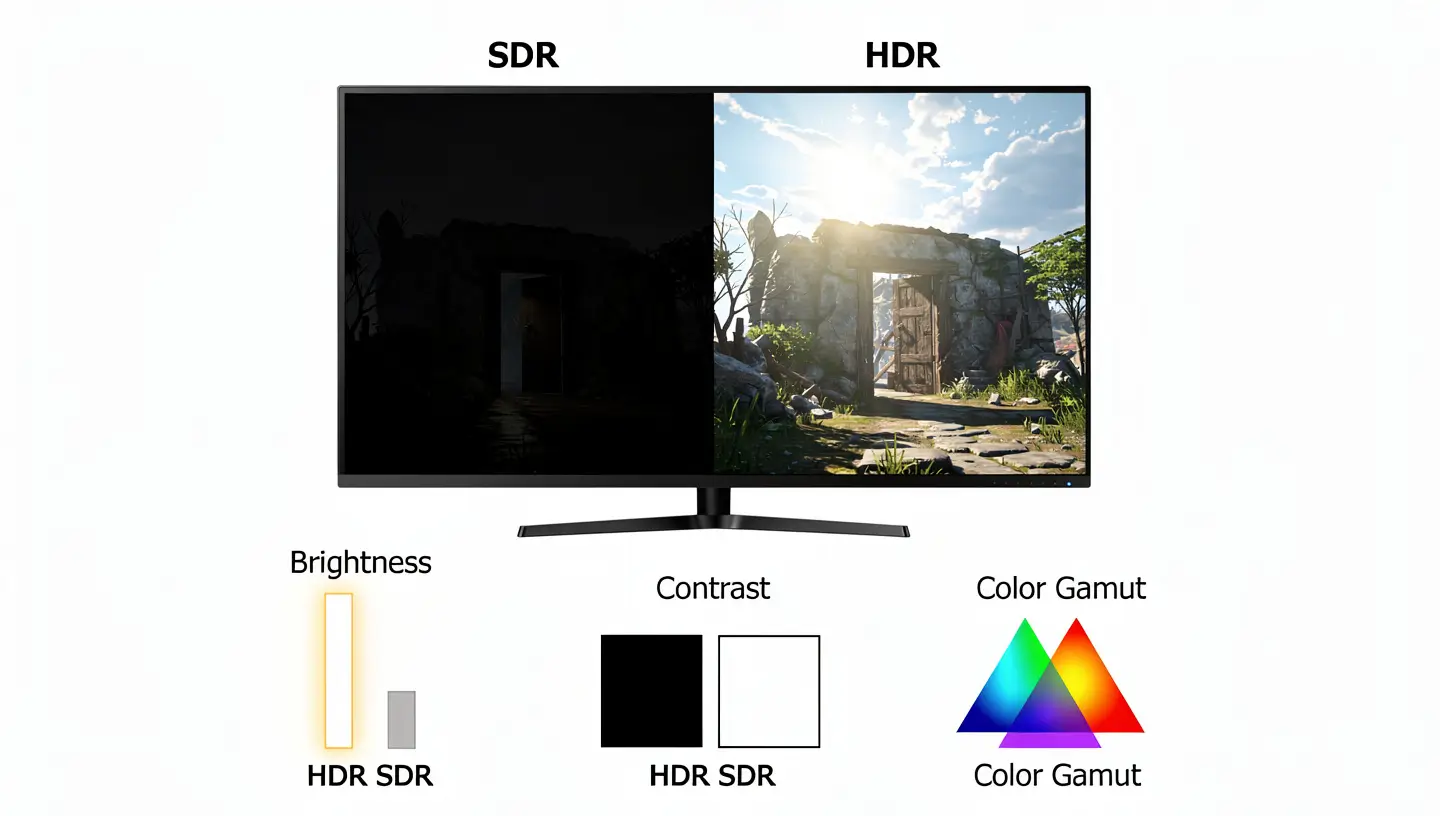
HDR on a monitor is not the same as on a TV. What the labels mean and which are worth paying for.
Read more →
Resolution & Sync Technology
1080p to 8K, G-Sync vs FreeSync vs VRR, FPS — the specs that decide what your monitor can do.
Resolution
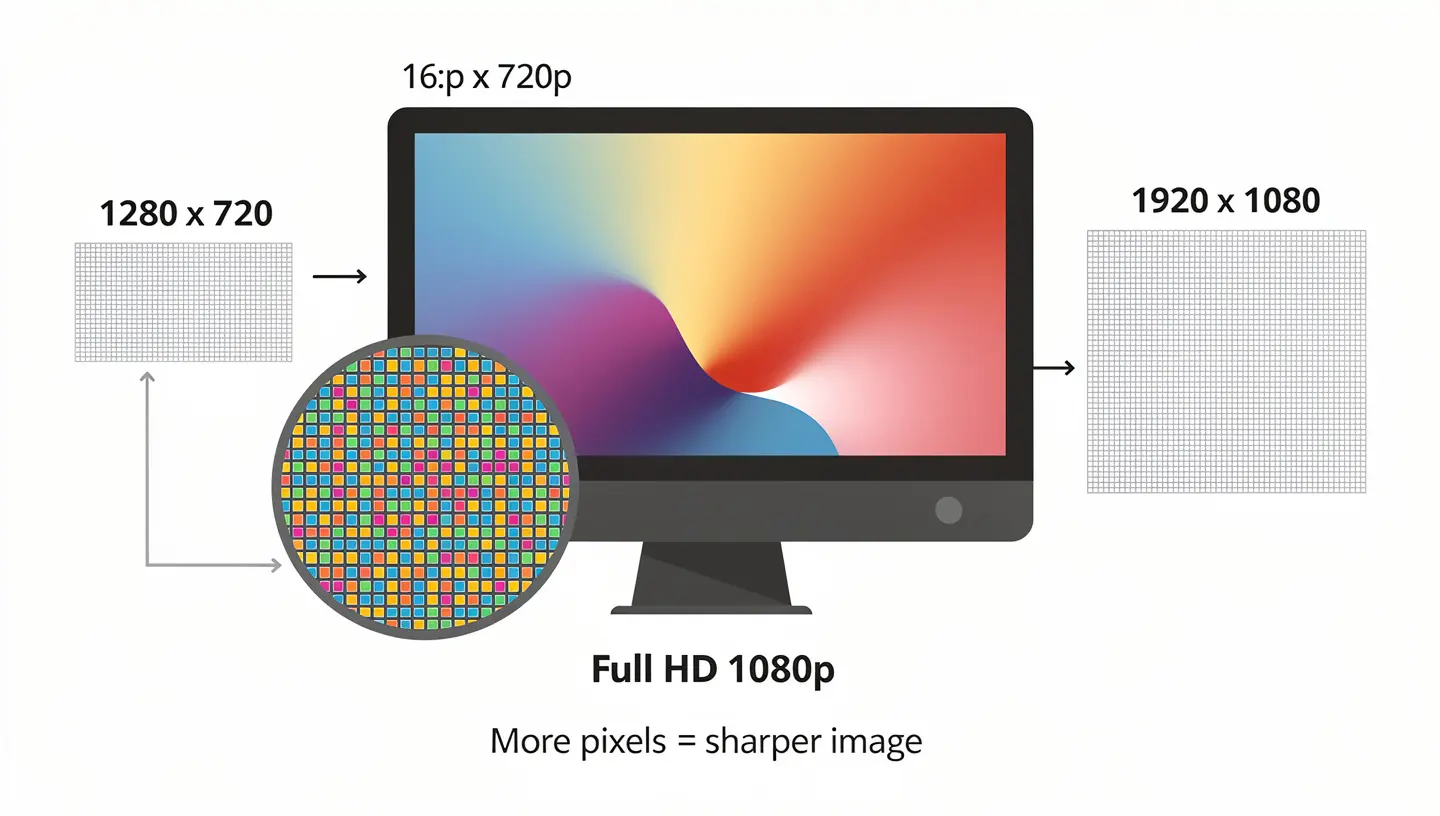
1080p is still the most popular gaming resolution. What it means, who it suits, and when to upgrade.
Read more →
Resolution
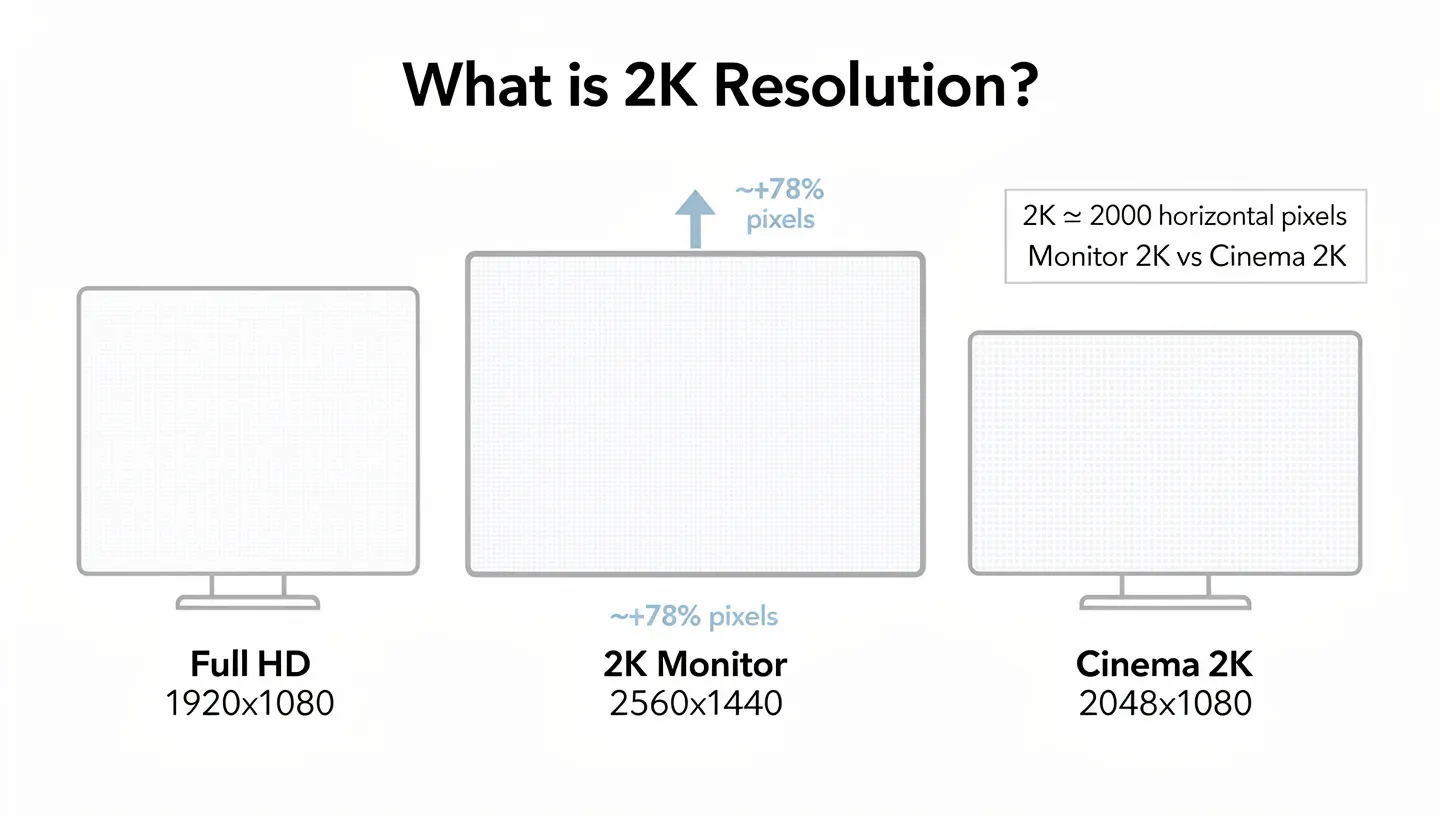
2K and 1440p are used interchangeably — they are not the same thing. The difference clarified.
Read more →
Resolution
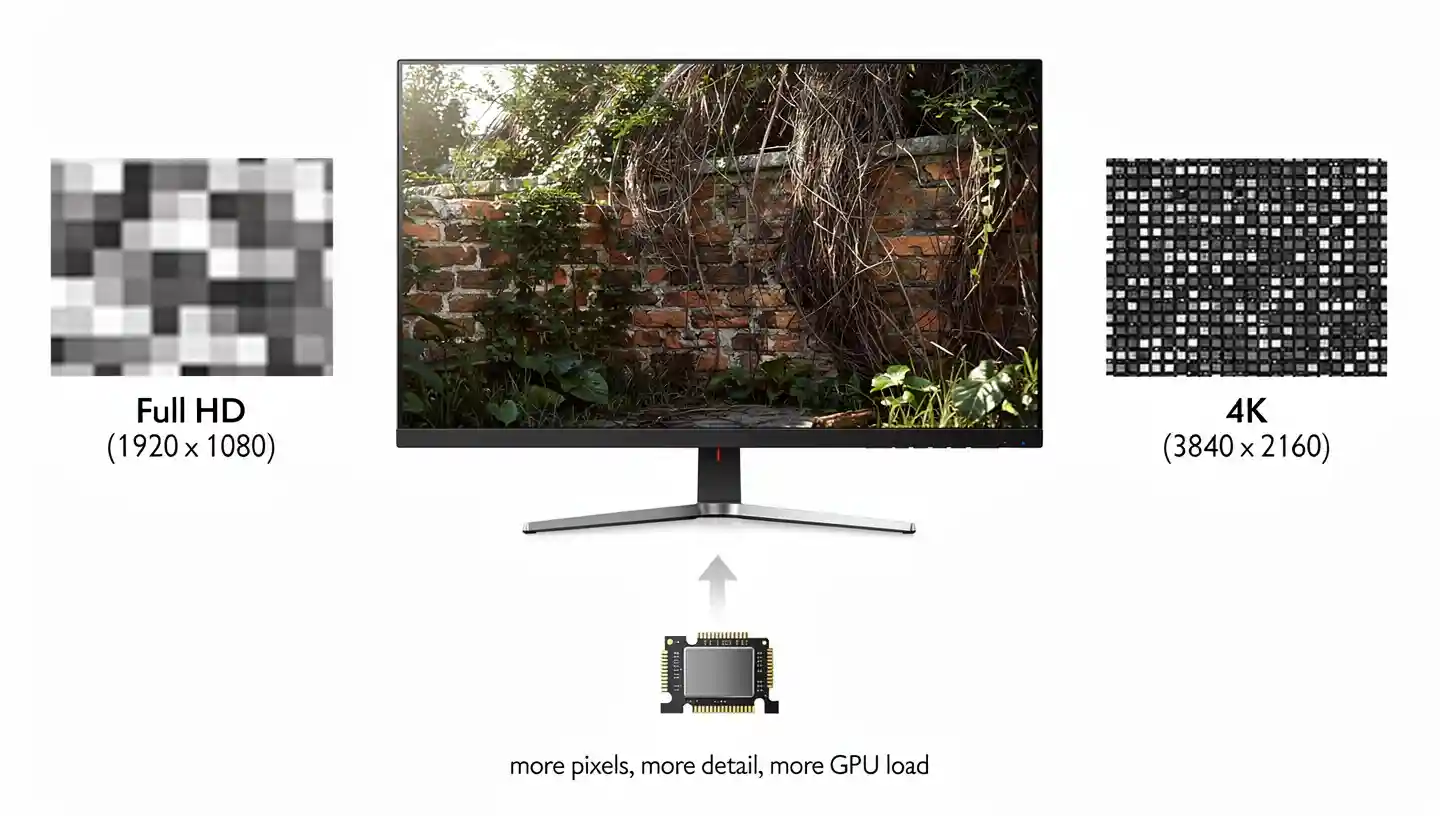
4K looks stunning — but your GPU needs to keep up. Who should and should not buy 4K right now.
Read more →
Resolution
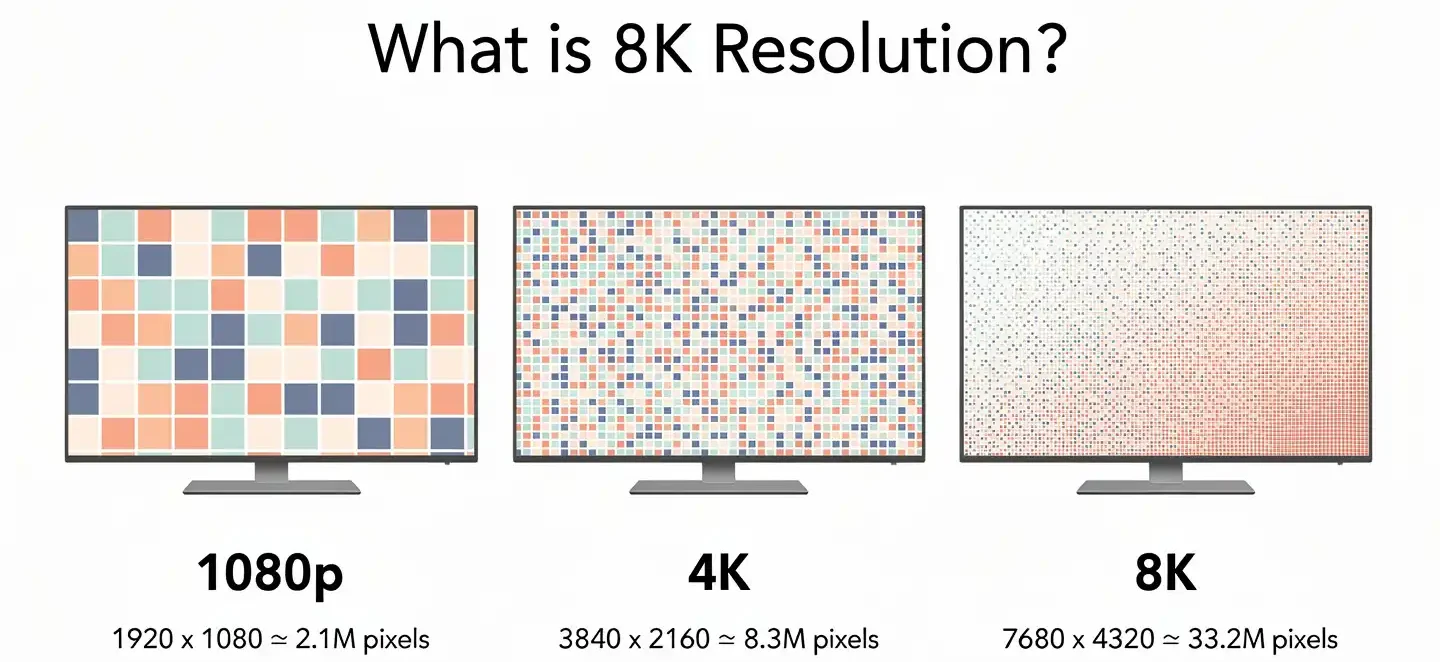
8K monitors exist — but is anyone gaming at 8K? The honest state of 8K for gamers today.
Read more →
Sync
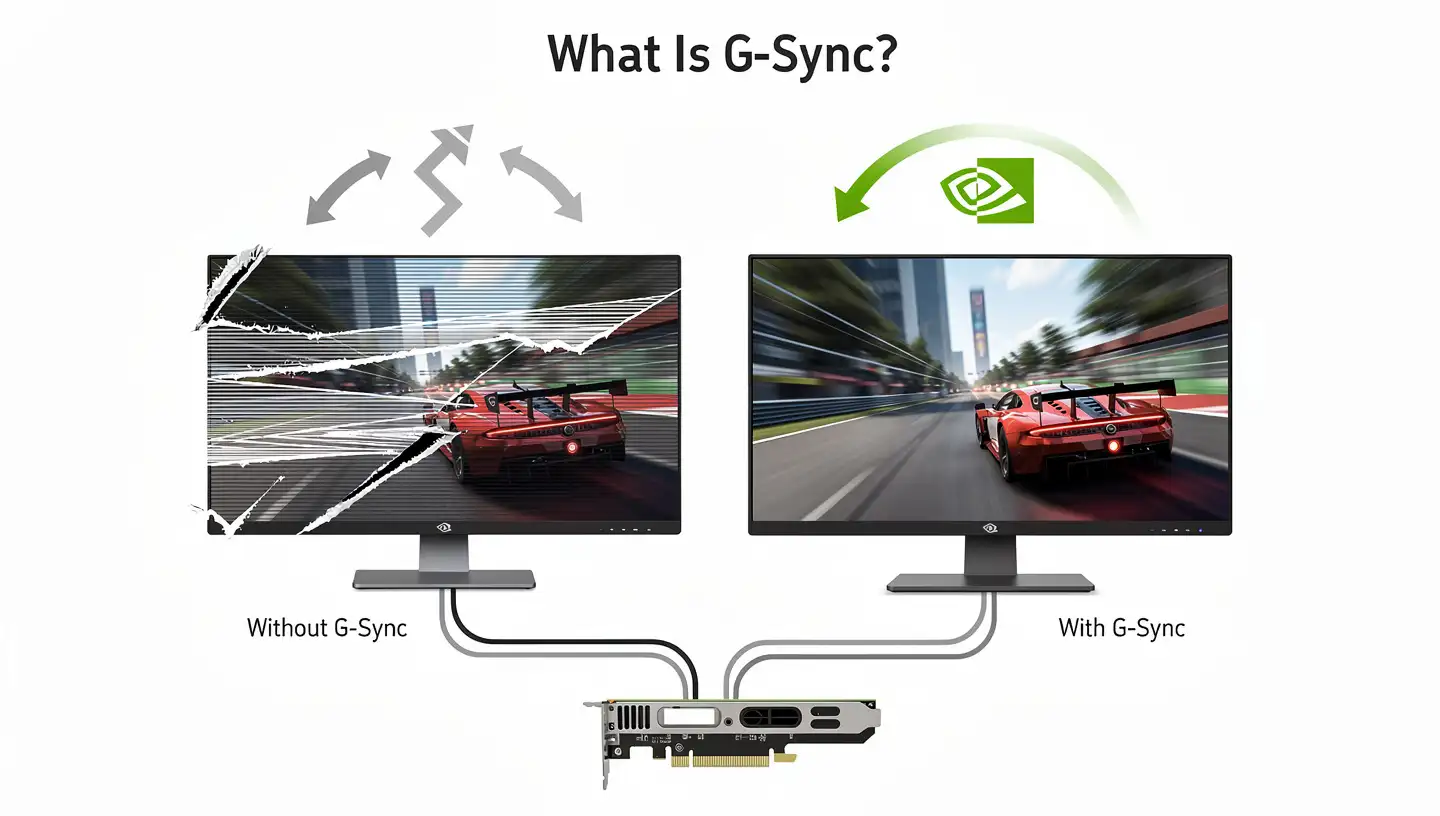
NVIDIA’s variable sync eliminates screen tearing — what it costs and whether it is worth it.
Read more →
Sync
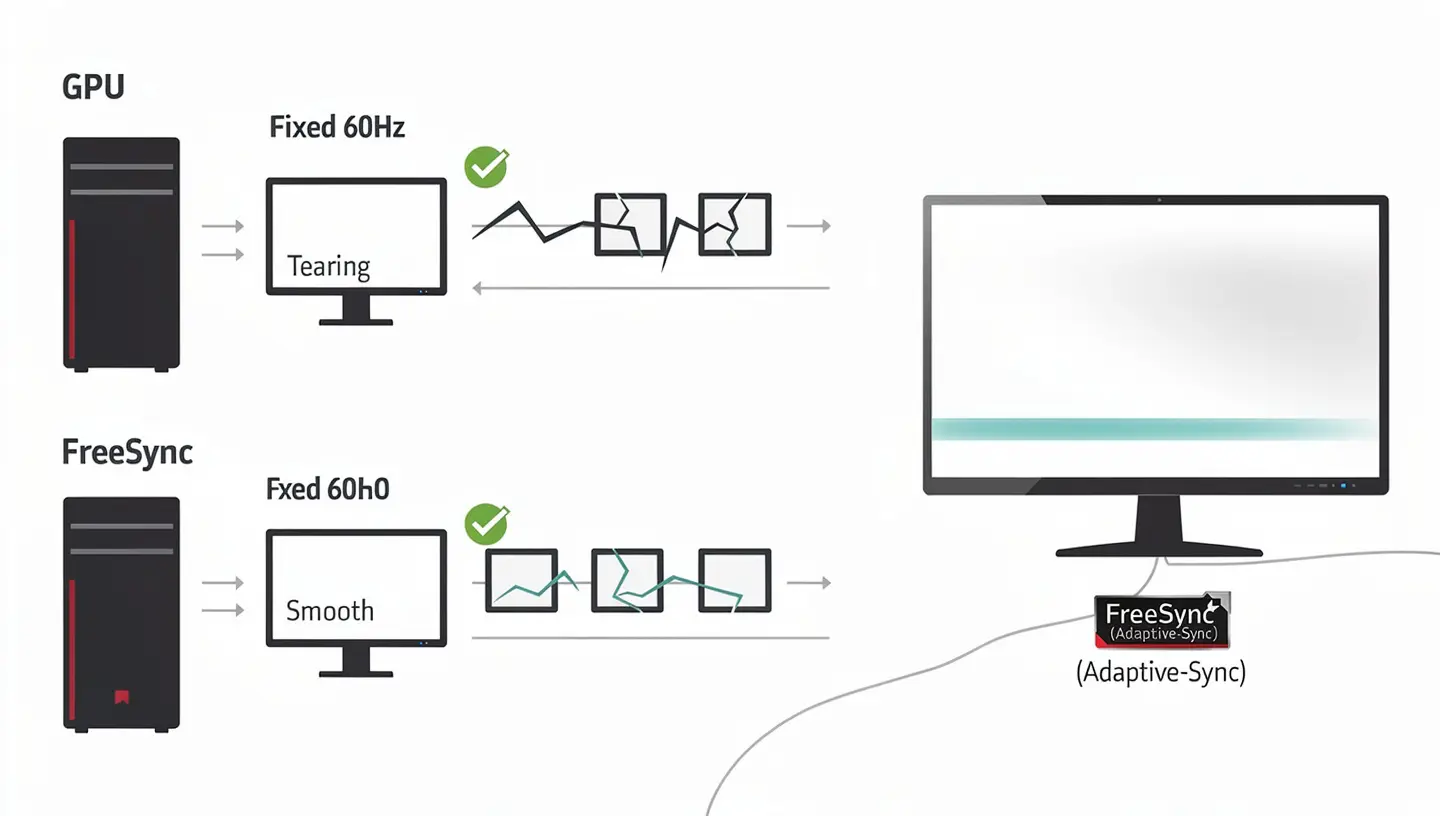
AMD’s free alternative to G-Sync. FreeSync vs FreeSync Premium vs FreeSync Premium Pro explained.
Read more →
Sync
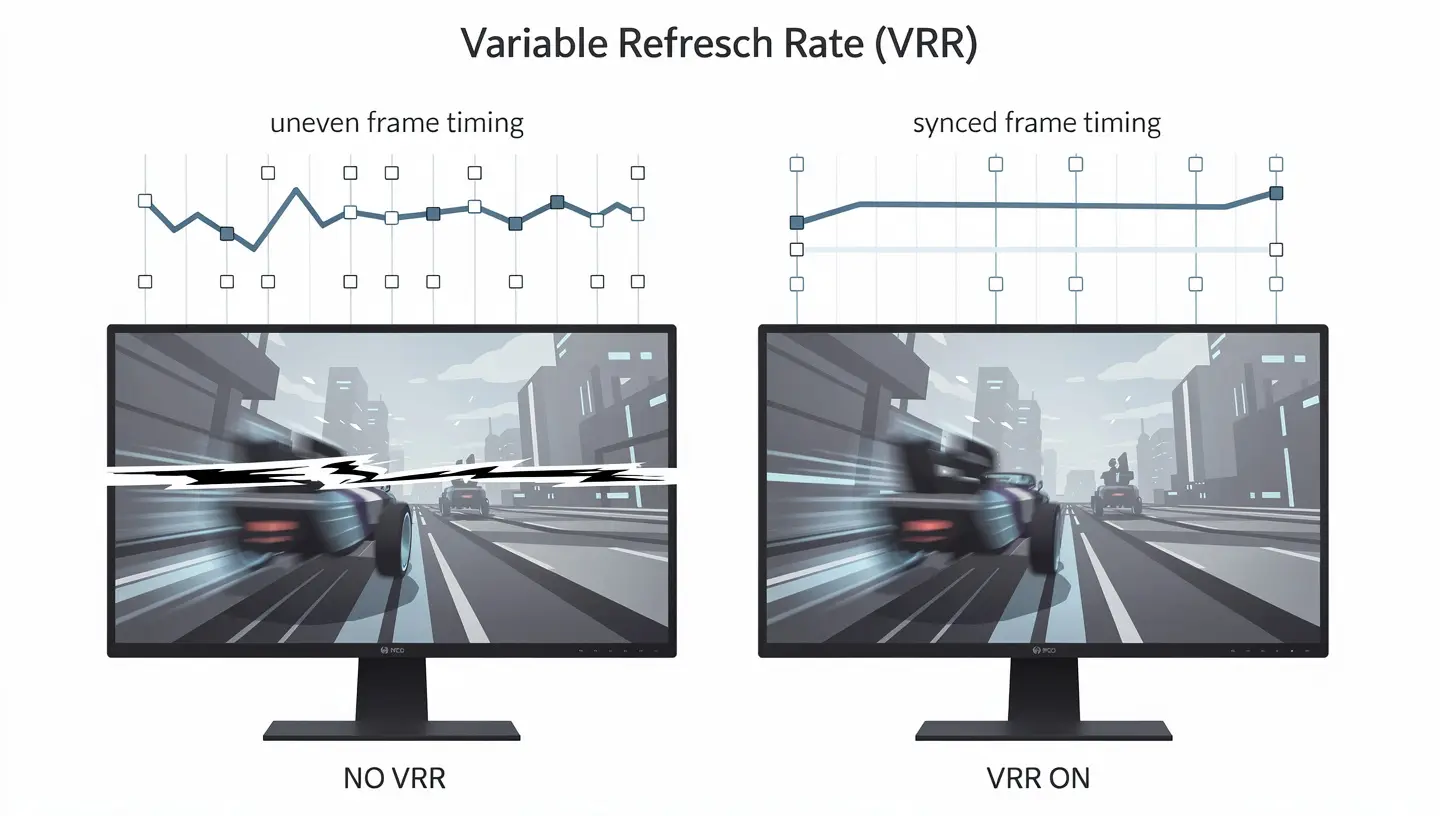
VRR is the umbrella for G-Sync, FreeSync, and HDMI Forum VRR — how they relate and which your setup needs.
Read more →
Tech
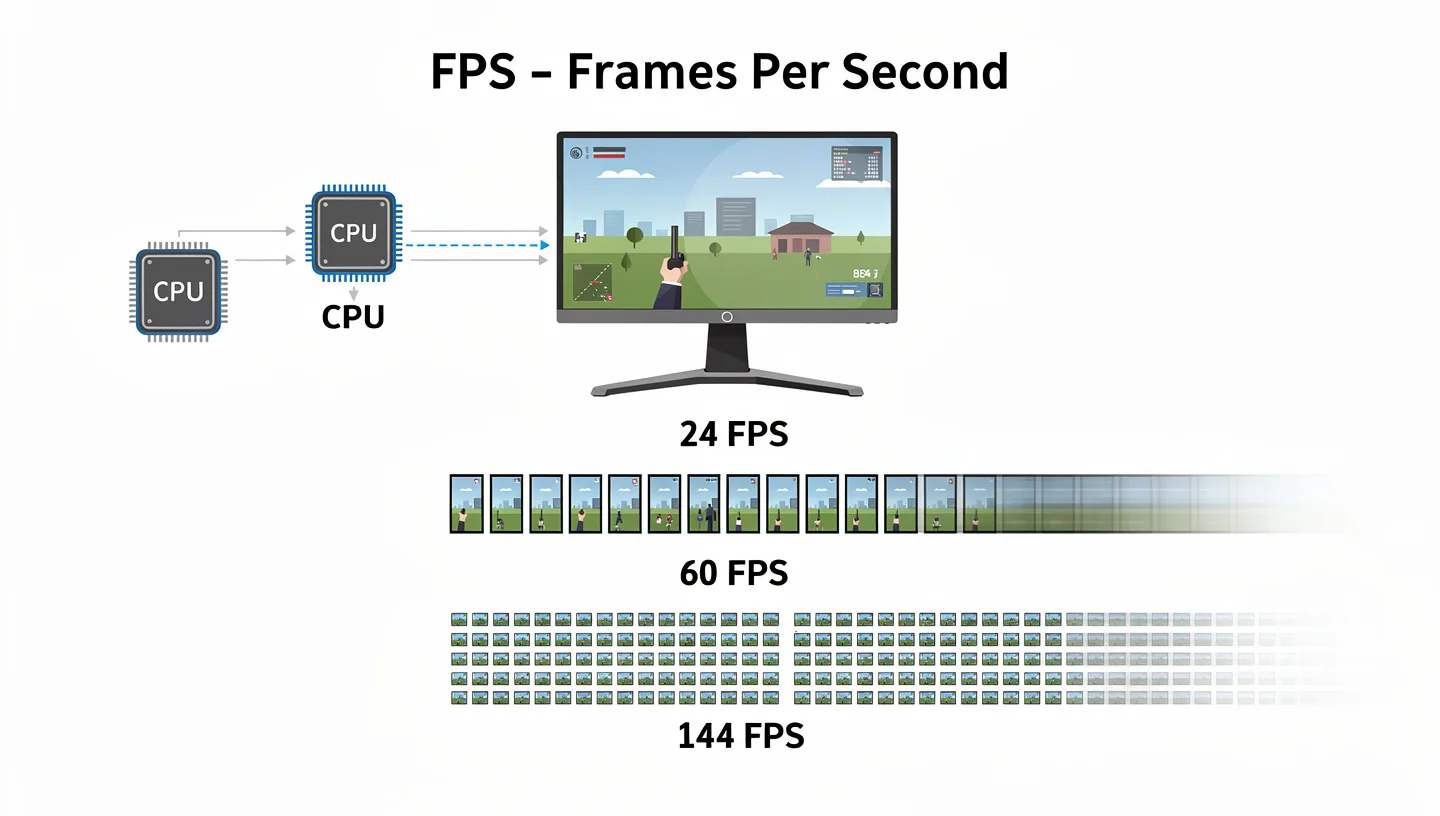
FPS comes from your GPU, not your monitor — but the two are closely linked. The relationship explained.
Read more →
Tech
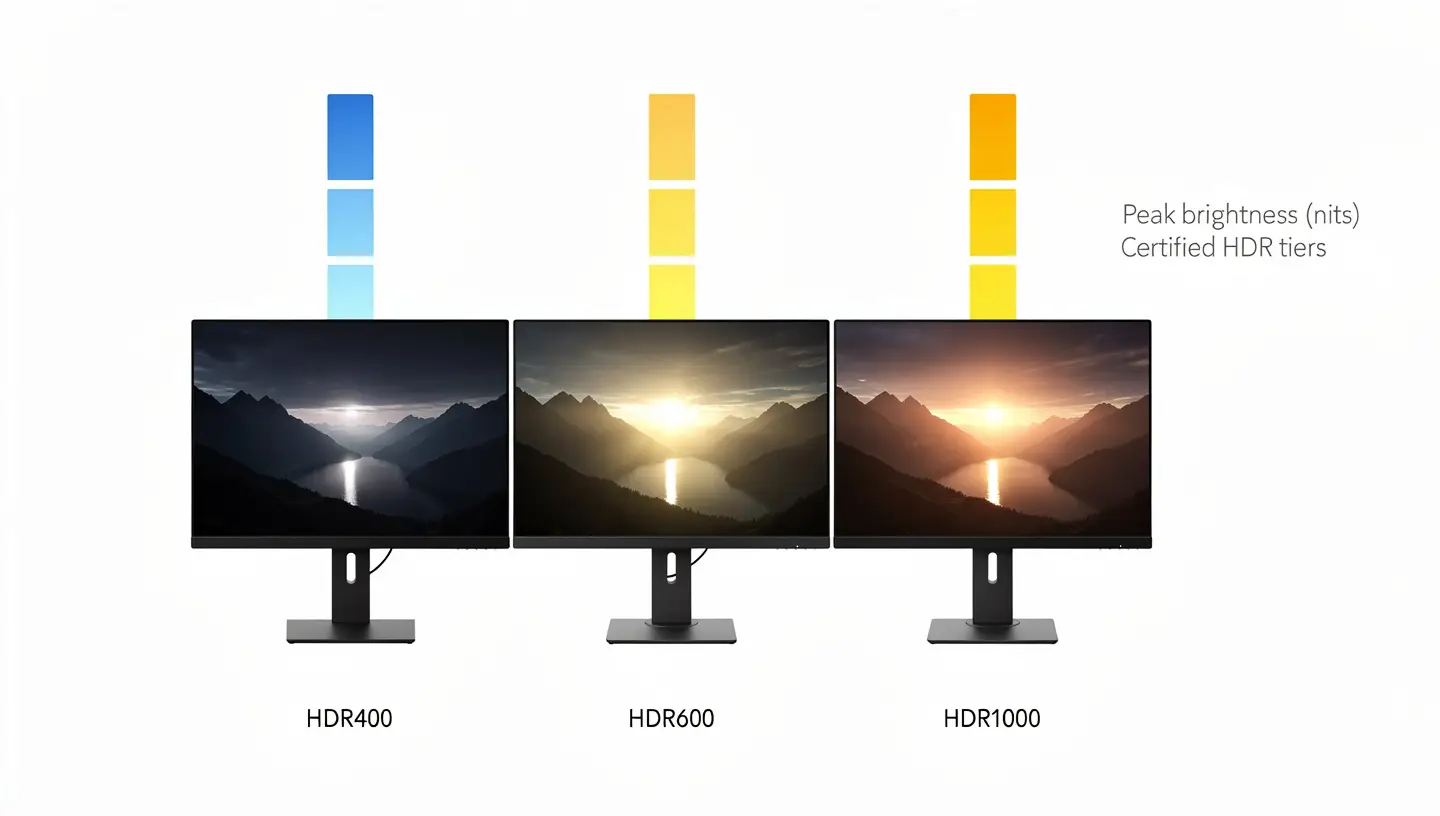
Not all HDR is real HDR. The DisplayHDR certification levels decoded — and which ones actually look good.
Read more →
More coming soon
Reviews, Best-Of picks, and more how-to guides — added weekly.
⭐
Best-Of Lists
Best 4K, OLED, 144Hz, 1440p, ultrawide, budget monitors
|
🔍
Brand Reviews
ASUS ROG, MSI, AOC, Razer, Samsung, LG and more
|
🛠️
More How-To
Multi-monitor setup, calibration, mounts, cleaning
|
🎮
Console Guides
Best monitors for Xbox Series X, PS5, competitive play
|
Frequently asked questions
What refresh rate do I need for gaming? +
For casual gaming 60Hz works, but 144Hz is the sweet spot where the improvement is immediately noticeable. Competitive FPS players often prefer 240Hz or higher. Console gamers with a PS5 or Xbox Series X benefit most from 120Hz. The jump from 60Hz to 144Hz is bigger than from 144Hz to 240Hz.
IPS vs VA vs TN — which panel type is best for gaming? +
IPS is the best all-rounder — great colours and wide viewing angles. VA has the best contrast, making it good for dark games. TN is the fastest but has the worst colours. Most gamers are best served by IPS, but if you play in a dark room and want the deepest blacks, VA is worth looking at.
Is 1080p or 1440p better for gaming? +
1440p at 27 inches is the sweet spot for most PC gamers — noticeably sharper than 1080p without needing the GPU power that 4K demands. On a budget or playing competitive games at high frame rates, 1080p is still smart. If you have an RTX 4080 or better, 4K is worth considering.
Do I need G-Sync or FreeSync? +
Variable sync eliminates screen tearing without the input lag V-Sync causes. NVIDIA GPU users want G-Sync or G-Sync Compatible. AMD GPU users want FreeSync Premium. Many monitors now support both through HDMI Forum VRR. Not essential, but noticeably improves the experience below your monitor’s max refresh rate.
What size gaming monitor should I get? +
24 inches at 1080p and 27 inches at 1440p are the two most popular combinations — the pixel density works out well at typical desk distances. 32 inches starts to show pixels at 1440p unless you sit further back. Ultrawide is excellent for immersive games but can feel awkward in competitive shooters.









