LG and Samsung are the two biggest names in the monitor market, and between them they also manufacture a large share of the panels that end up inside monitors sold under other brand names. That makes comparing them directly more useful than it might seem, since understanding how each company approaches display technology tells you a lot about monitors across the market, not just the ones carrying an LG or Samsung logo. This guide breaks down how the two brands differ across panel technology, gaming, productivity, design, and support, so you can figure out which one actually fits how you use a monitor.
Quick Summary: LG vs Samsung Monitors
Before getting into the details, here is how the two brands generally stack up across the categories that matter most to most buyers.
| Factor | LG | Samsung |
|---|---|---|
| Panel technology | IPS, Nano IPS | VA, Quantum Dot |
| Color accuracy | Strong across most tiers | Good at premium, more variable at budget |
| Contrast ratio | Around 1000:1 on standard IPS | 3000:1 or higher on VA |
| Refresh rate range | Up to 240Hz | Up to 240Hz and beyond on top models |
| Best for | Productivity, color work, office use | Gaming, dark room contrast, immersive curves |
| Warranty | 1 to 3 years | 1 to 3 years |
Panel Technology: IPS vs VA, Nano IPS vs QLED
The biggest difference between LG and Samsung monitors comes down to the panel technology each brand leans on most heavily, and this single choice shapes almost everything else about how their monitors perform.
LG’s IPS and Nano IPS Panels
LG Display is one of the largest manufacturers of IPS panels in the world, and that technology shows up not just in LG branded monitors but in plenty of professional displays from other companies that source their panels from LG.
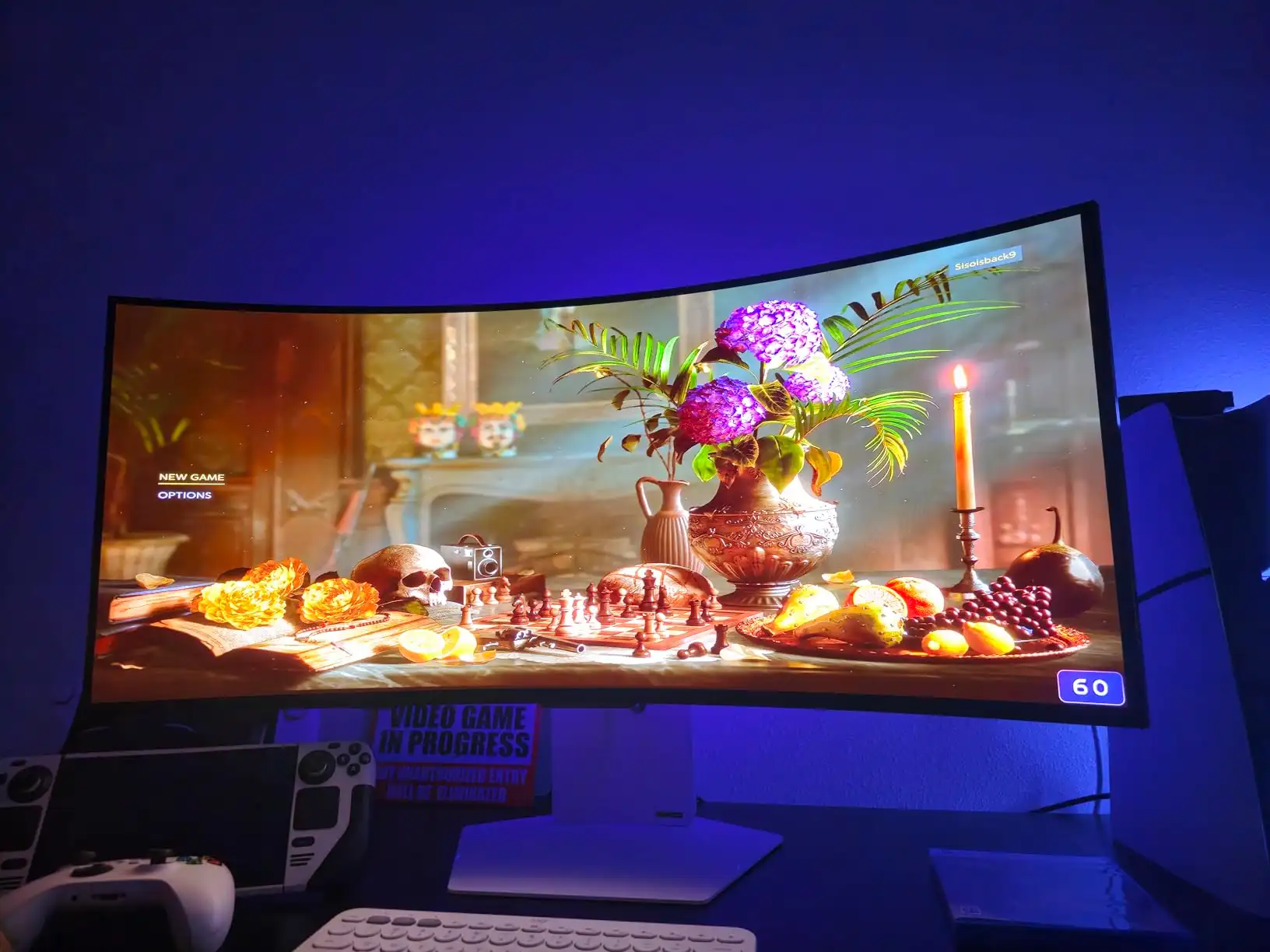
Standard IPS on LG monitors typically covers close to 99 percent of sRGB with wide 178 degree viewing angles, which keeps colors looking consistent no matter where you sit relative to the screen. Nano IPS, LG’s more advanced version, pushes color gamut coverage higher and improves pixel response time enough to compete with gaming focused VA panels. The tradeoff with any IPS panel, Nano IPS included, is contrast, which tends to sit around 1000:1, noticeably behind what VA technology delivers.
Samsung’s VA and Quantum Dot Panels
Samsung leans much more heavily on VA panels, and the main reason is contrast. Samsung VA panels routinely hit 3000:1 or higher, which means black content actually looks black rather than the slightly grayish tone IPS panels tend to produce. That advantage is immediately noticeable in dark rooms, dark game scenes, and interfaces running in dark mode.

The cost is narrower viewing angles and, at the budget tier, less consistent color accuracy than LG achieves with IPS. At the premium tier, Samsung’s Quantum Dot and Quantum Mini LED technology closes much of that color gap while keeping the contrast advantage, making top end Samsung monitors genuinely strong performers for HDR content.
LG vs Samsung for Gaming Monitors
For gaming, the right brand depends heavily on what kind of games you play. Samsung’s Odyssey lineup is built specifically around gaming, with high refresh rate options, deep contrast from VA panels, and aggressive curves that pull you into the action. For competitive, fast paced titles where every bit of contrast and motion clarity counts, Samsung’s top gaming monitors have a real edge, and their fast response time numbers hold up well against LG’s offerings.

LG competes strongest in the mid range gaming tier, where Nano IPS panels deliver more vivid, accurate color than comparable VA options from Samsung. For open world games, RPGs, and anything where visual richness matters as much as raw speed, LG’s gaming monitors tend to produce a more detailed and colorful picture. Neither brand is strictly better for gaming, Samsung wins on immersion and contrast, LG wins on color quality and all round visual accuracy. A side by side measured comparison from RTINGS on two similarly sized models shows this pattern clearly, with the Samsung pulling ahead on refresh rate and HDR brightness while the LG holds its own on viewing angles.
LG vs Samsung for Office and Productivity
For everyday office work, LG is generally the stronger pick. The wide viewing angles on LG’s IPS panels keep the screen looking consistent from any seating position, which matters in shared workspaces and for anyone who is not sitting dead center all day. LG’s mid range and premium monitors also tend to offer more complete connectivity for a modern desk, often including USB-C with power delivery and built in hubs that let the monitor double as a docking station for a laptop.
Samsung’s office oriented monitors are capable, but the VA panels sacrifice some of the viewing angle consistency and color accuracy that productivity work benefits from most. If your monitor spends most of its day displaying documents, spreadsheets, and video calls rather than games, LG’s panel choice lines up better with that kind of use.
LG vs Samsung for Professional and Creative Work
In the professional creative space, color grading, photo editing, and design work, LG’s panel technology is effectively the industry standard. Plenty of professional monitors from other brands use LG sourced IPS panels specifically because of the color accuracy and viewing angle consistency that work demands. Samsung does not have the same presence in this category, since VA panels, while excellent for contrast, are not typically what colorists and designers reach for when accuracy from every angle matters.
If precise, consistent color is the priority for your work, LG’s panel technology, whether in an LG branded monitor or a professional display using an LG panel, remains the safer and more established choice.
LG vs Samsung for Budget Monitors
At the budget end, both brands offer genuinely solid options with different strengths. LG’s budget IPS monitors deliver reliable color and wide viewing angles for general use, and build quality at this tier is consistently reported as dependable. Samsung’s budget VA panels trade some of that color consistency for better contrast at the same price, which suits anyone who splits their time between office work and casual gaming or media on a tight budget.
Neither brand clearly wins the budget category outright. It comes down to whether you value the flatter, more accurate colors of a cheap LG IPS panel or the deeper blacks of a cheap Samsung VA panel.
LG Smart Monitor vs Samsung Smart Monitor: webOS vs Tizen
Both brands also compete in the smart monitor space, where a display runs its own operating system and streaming apps without needing a computer connected at all. Samsung was first to this category with its M8 series running Tizen, the same operating system found on Samsung smart TVs. LG followed with its MyView and Smart Monitor lineup running webOS, LG’s own TV platform brought over to the desktop.
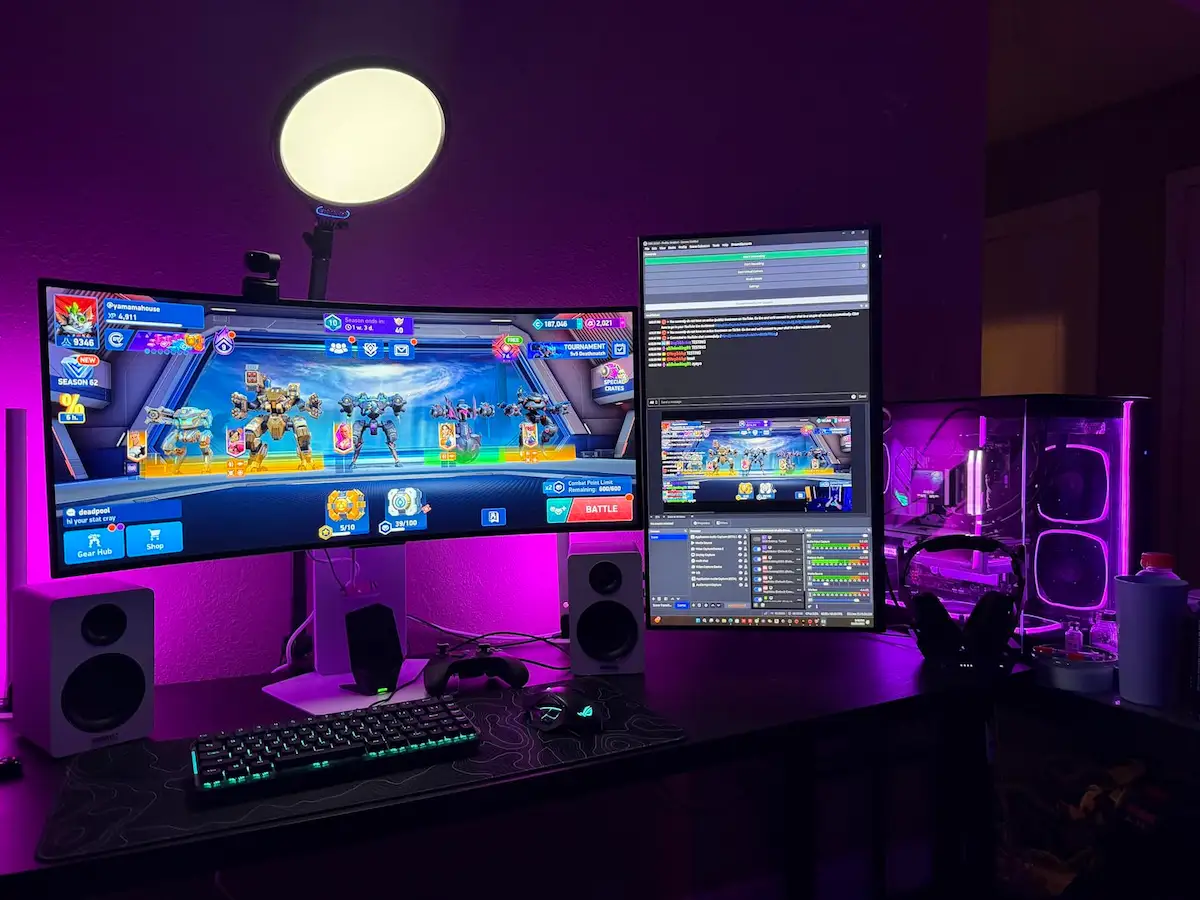
The practical differences mirror what each brand does best elsewhere. LG’s smart monitors typically use IPS panels with better viewing angles and stronger color accuracy than Samsung’s VA based M8 series, while Samsung’s smart monitors tend to be priced more aggressively and go on sale often.
Both support screen mirroring through AirPlay, include built in speakers, and cap out around 60Hz, since neither line is built with gaming in mind. If you want a secondary screen that can also stream Netflix without a laptop attached, the choice mostly comes down to whether you prioritize LG’s picture quality or Samsung’s typically lower price. Coverage of LG’s MyView launch noted that its IPS panels should offer better viewing angles and color accuracy than the VA panels in Samsung’s M8 lineup, even as Samsung keeps the pricing edge.
Curved and Ultrawide Monitors: LG vs Samsung
Samsung’s Odyssey gaming lineup leans heavily on tight curves, often as aggressive as 1000R, paired with VA panels that make the deep contrast and wraparound effect work together well. If you are still deciding whether curved monitors are good for gaming, Samsung’s approach represents the most immersive end of what is currently available. LG’s curved and ultrawide monitors generally use gentler curves alongside Nano IPS panels, prioritizing color and detail over the most dramatic possible bend.

For a dedicated gaming setup where immersion is the priority, Samsung’s tighter curves and VA contrast make a stronger case. For a screen that splits time between gaming and productivity, LG’s gentler curve and better color accuracy tend to feel more comfortable across both kinds of use.
Build Quality and Design
LG and Samsung take noticeably different design approaches. LG’s monitors, particularly in the office and professional tiers, lean toward clean, minimal design with matte finishes and ergonomic stands that offer generous height and tilt adjustment without wobbling. Samsung’s Odyssey gaming monitors go the opposite direction, with RGB lighting, dramatic curved stands, and an aesthetic clearly built to look like gaming hardware. Samsung’s gaming stands have also drawn more mixed feedback on build quality over time, with some owners swapping them for a monitor arm shortly after buying. Samsung’s non gaming monitors are more restrained in design but their stands still generally trail LG’s equivalent tier in solidity.
Connectivity: USB-C, Thunderbolt, and HDMI
LG has invested more heavily in modern connectivity across its lineup, with USB-C power delivery, built in KVM switches, and Thunderbolt support showing up on several premium and mid range models. This makes LG monitors a particularly strong fit for anyone using a laptop as their main machine, since a single cable can handle video, data, and charging at once.
Samsung’s connectivity, especially on its gaming focused Odyssey line, sticks closer to standard HDMI and DisplayPort without USB-C charging, reflecting a product lineup built more around dedicated desktop gaming rigs than laptop docking.
Adaptive Sync: G-Sync and FreeSync Support
Both brands support modern adaptive sync technology across most of their gaming oriented monitors. You will find G-Sync compatibility and FreeSync support across current LG and Samsung gaming lineups, which means screen tearing and stuttering are well handled by either brand as long as you check the specific model before buying. Neither brand holds a clear advantage here, since adaptive sync support has become close to standard across both companies’ gaming focused monitors.
Software and On-Screen Display Quality
Day to day, the on-screen menu is something you interact with more than most buyers expect, and the two brands handle it differently. LG mostly uses joystick based navigation on its mid range and premium monitors, which makes adjusting brightness, picture modes, or input source quick and precise compared to cycling through buttons.
LG also offers On Screen Control software for Windows, giving quick access to settings and KVM switching from the desktop without touching the monitor itself. Samsung’s menu system is functional but generally considered less polished, with button layouts that vary between models. The Odyssey gaming line does add a more game focused OSD with frame rate counters and preset game modes, which is a nice touch for gaming but comes at the cost of the everyday usability LG’s joystick system offers.
Warranty and Support
Both LG and Samsung typically offer warranties in the one to three year range depending on the specific monitor, so neither brand has a dramatically better standard policy on paper. Where the two diverge more is in how warranty claims play out in practice, with Samsung’s support experience drawing more mixed feedback in owner communities regarding how quickly claims get resolved. This varies by region and individual circumstance rather than representing a consistent, measurable gap, so it is worth checking recent regional feedback for either brand before relying too heavily on reputation alone.
Head-to-Head: Specific Models Compared
Comparing specific models at similar price points makes the differences easier to picture than specs alone. In the budget 24 to 27 inch range, an LG IPS monitor around 99 percent sRGB coverage goes up against a Samsung VA screen with noticeably deeper contrast at a similar price, and the choice usually comes down to whether color consistency or dark scene detail matters more to you. In the mid range gaming tier, an LG Nano IPS ultrawide around 160Hz competes closely with a Samsung Odyssey VA model at a similar refresh rate, with LG again taking the edge on color and Samsung taking it on contrast.
At the premium tier, LG’s Thunderbolt equipped ultrawides aimed at creative professionals sit in a different category entirely from Samsung’s 240Hz Odyssey flagships built for dedicated gaming setups, so the two brands barely compete directly once you reach the top of either lineup.
Which Brand Should You Choose?
Choose LG if your priority is color accuracy, wide viewing angles, modern laptop connectivity, or professional creative work. LG’s IPS and Nano IPS panels serve these needs more consistently across the lineup than Samsung’s VA focused approach.
Choose Samsung if your priority is gaming, particularly competitive or immersive gaming in a dark room, where the contrast advantage of VA panels and the aggressive curves of the Odyssey lineup deliver a genuinely different experience. If you are still working through the full list of specs worth comparing beyond just the brand, our guide to choosing a gaming monitor covers everything else worth checking before you buy.
Frequently Asked Questions
Is LG or Samsung better for gaming monitors?
It depends on the kind of gaming you do. Samsung generally wins for competitive and immersive gaming thanks to higher contrast VA panels and tighter curves, while LG performs better in visually rich, color heavy games thanks to its Nano IPS technology.
Which brand has better monitor warranty?
Both brands offer similar warranty lengths, typically one to three years depending on the model. Samsung’s warranty claim experience has been reported as slightly more inconsistent than LG’s in some owner communities, though this varies by region.
Do LG and Samsung monitors use the same panels?
No, they generally do not. LG focuses on IPS and Nano IPS panel technology, while Samsung focuses on VA and Quantum Dot panels, which is the root cause of most of the performance differences between the two brands.
Is LG Smart Monitor better than Samsung M8?
LG’s smart monitors typically offer better picture quality thanks to their IPS panels, while Samsung’s M8 series is often priced more aggressively. Neither is built for serious gaming, since both are capped around 60Hz.
Which brand is cheaper, LG or Samsung?
Pricing is competitive between both brands across most categories, with budget options available from each. Samsung’s budget VA monitors sometimes undercut comparable LG IPS models slightly, though pricing shifts often enough that it is worth comparing current models directly rather than assuming either brand is consistently cheaper.
Final Verdict: LG or Samsung?
There is no single winner between LG and Samsung, since each brand built its monitor lineup around a different priority. LG leans into color accuracy, wide viewing angles, and connectivity that suits office and creative work especially well. Samsung leans into contrast, immersive curves, and gaming performance that suits competitive and dark room use. The better brand for you comes down to whether your monitor spends most of its time handling documents and design work or running games, since that single factor points toward one brand’s strengths far more clearly than any overall rating could.