KOORUI has grown into one of the most talked about budget gaming monitor brands on Amazon, and for good reason. The company packs high refresh rates, wide color coverage and features like Mini LED backlighting into displays that usually cost far less than comparable models from ASUS, LG or Samsung. That price gap raises an obvious question: are these monitors actually good, or do they cut corners you only notice after the return window closes?
To answer that, we looked at every current model in the KOORUI gaming lineup, compared specifications side by side, and pulled in independent test data where it exists. This review ranks all ten current gaming models from strongest to weakest, then breaks down the top five in detail with full specs, pros and cons. By the end you will know exactly which KOORUI gaming monitor fits your setup and budget.
KOORUI Gaming Monitor Scorecard
Before getting into individual models, here is how the brand scores across the categories that matter most for a gaming monitor, based on specifications, independent test data where available, and patterns across owner feedback.
| Category | Score |
|---|---|
| Gaming Performance | 8.5 / 10 |
| Display Quality | 8 / 10 |
| Build Quality | 7 / 10 |
| Value for Money | 9 / 10 |
| Reliability and Support | 7 / 10 |
Gaming performance and value are where KOORUI pulls ahead of established brands at the same price. Build quality and long-term support are the areas where a more expensive monitor from ASUS or LG still has an edge.
Top 10 KOORUI Gaming Monitors Ranked
The ranking below weighs refresh rate, panel type, color coverage, HDR support and price against each other, rather than just picking the highest spec on paper. A 320Hz panel with weak color coverage is not automatically better than a 200Hz panel with wide gamut and Mini LED backlighting, so the order reflects overall value for a gamer rather than a single number.
| Rank | Model | Size | Panel | Resolution | Refresh Rate | Price | Best For |
|---|---|---|---|---|---|---|---|
| 1 | G2721E | 27″ | Fast IPS | QHD | 320Hz | $209.99 | Overall pick, esports |
| 2 | S2741LM | 27″ | Mini LED IPS | 4K (dual mode) | 160Hz / 320Hz | $499.99 | Premium HDR and color |
| 3 | G2741L | 27″ | Fast IPS | 4K (dual mode) | 160Hz / 320Hz | $300 | 4K value without Mini LED |
| 4 | S2721PM | 27″ | Mini LED IPS | QHD | 200Hz | $259.99 | HDR on a mid budget |
| 5 | G3441XC | 34″ | VA | WQHD | 240Hz | $399 | Fast curved ultrawide |
| 6 | 34E6UC | 34″ | VA | UWQHD | 180Hz | $350.99 | Ultrawide for work and play |
| 7 | G2721P | 27″ | Fast IPS | QHD | 200Hz | $159.99 | Balanced price and specs |
| 8 | G2421V | 24″ | IPS | QHD | 180Hz | $150 | Compact QHD desk |
| 9 | GN02 | 27″ | VA | FHD | 240Hz | $150 | Budget speed |
| 10 | 27E6QCA | 27″ | VA (curved) | QHD | 180Hz | $160 | Budget curved QHD |
The remaining two curved KOORUI models in the current lineup, the 27E6CA and 24E6CA, sit below this list on pure specification, running FHD resolution at 180Hz for $130 and $116. They are worth a mention for anyone on a tighter budget, but the ten above give a clearer picture of where KOORUI puts its best engineering.
1. KOORUI G2721E: Best Overall KOORUI Gaming Monitor
The KOORUI G2721E takes the top spot because it does not force a trade-off between resolution and speed. It runs a 27 inch QHD panel at a refresh rate of 320Hz, a combination that used to belong only to monitors twice the price. Fast IPS technology keeps colors accurate and viewing angles wide, and the fully adjustable stand, with height, tilt, swivel and pivot, is rare at this price point across the whole budget monitor segment.
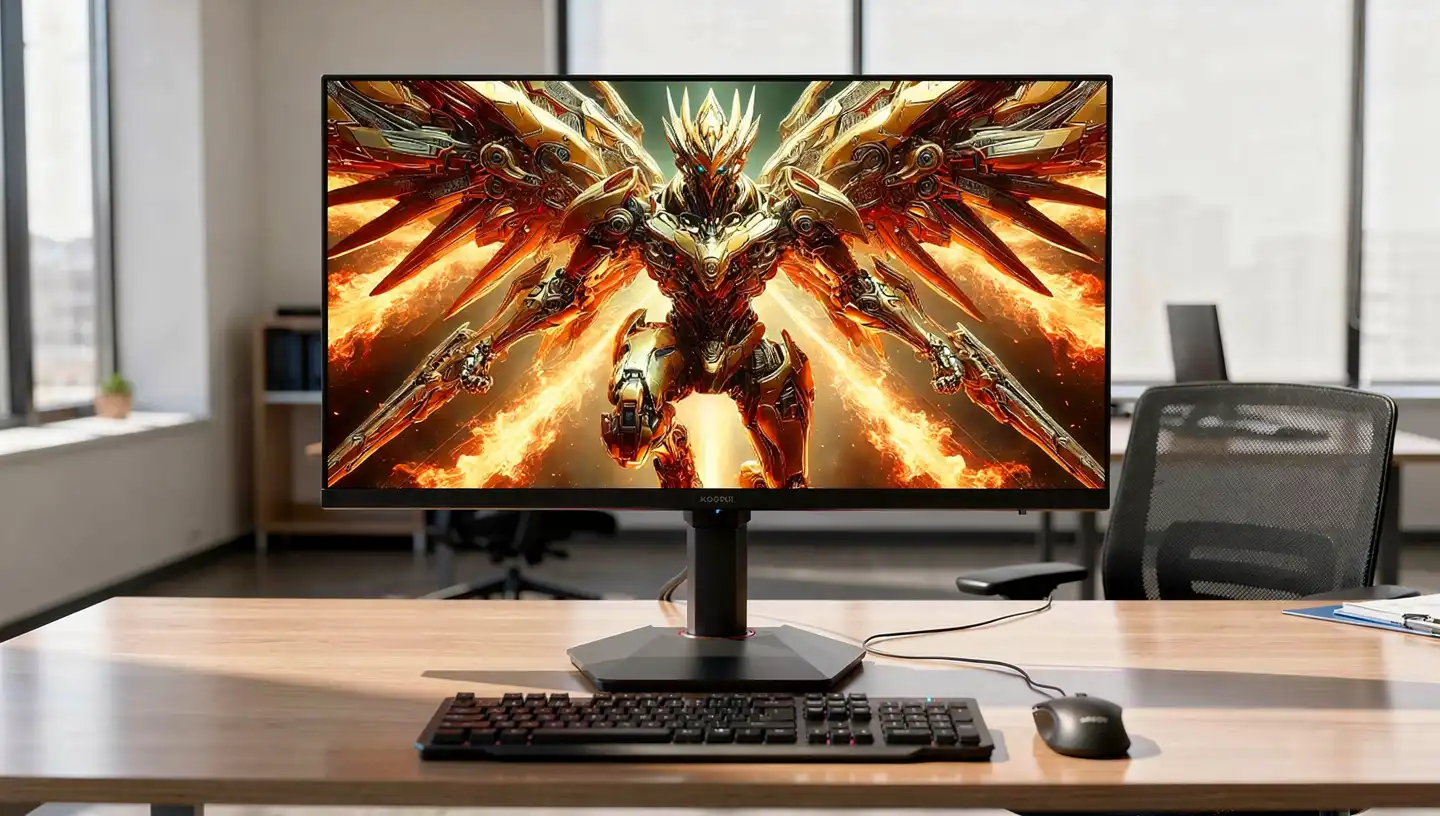
Pixel response stays low across the refresh range, which matters more at 320Hz than at 144Hz, since even small amounts of smearing become visible at that speed. The catch is that reaching 320 frames per second at QHD resolution takes a genuinely strong graphics card, so buyers with older or entry level GPUs will not see the full benefit right away.
| Spec | Detail |
|---|---|
| Size | 27 inch |
| Panel | Fast IPS |
| Resolution | 2560×1440 (QHD) |
| Refresh rate | 320Hz |
| Response time | 1ms rated |
| HDR | HDR400 |
| Color coverage | 98% DCI-P3 |
| Sync | Adaptive Sync |
| Price | $209.99 |
Pros
- 320Hz refresh rate at QHD resolution, a rare pairing this cheap
- Fast IPS panel with wide viewing angles and 98% DCI-P3
- Fully adjustable stand with height, tilt, swivel and pivot
- Low input lag and consistent motion clarity
Cons
- Needs a strong graphics card to actually reach 320 frames per second
- HDR400 is entry level and adds only a small visual boost
- No USB hub or built in speakers
2. KOORUI S2741LM: Best Premium Pick
The KOORUI S2741LM is the most advanced monitor the brand currently sells, and the specification sheet reads like something from a far more expensive brand. It uses a Mini LED backlight split into 1,152 dimming zones, paired with a dual mode panel that switches between 4K at 160Hz and 1080p at 320Hz depending on what a game needs. HDR1400 support, 4K resolution and a 300,000:1 contrast ratio put it well ahead of the rest of the lineup for picture quality.
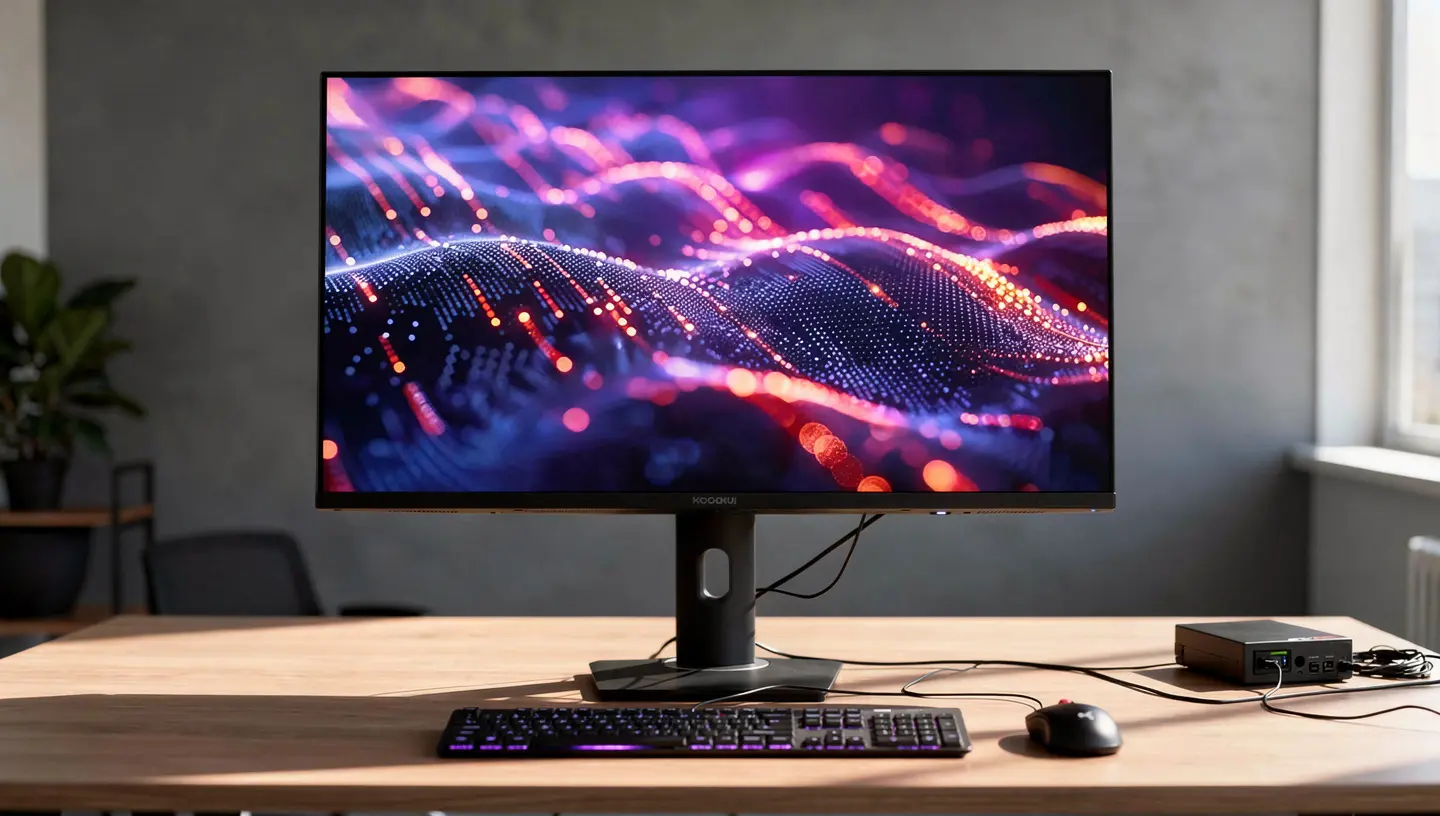
Independent testing backs this up. Independent lab testing from RTINGS measured low input lag at every refresh rate the panel supports and found response times stayed fast even as the refresh rate dropped, though inverse ghosting increases somewhat at lower speeds. Local dimming produces genuinely deep blacks, with the main weakness being some black crush on small bright highlights. Color coverage lands at 98% DCI-P3 and 99% Adobe RGB, numbers that rival monitors built for color work rather than gaming.
| Spec | Detail |
|---|---|
| Size | 27 inch |
| Panel | Mini LED IPS, 1152 dimming zones |
| Resolution | 3840×2160 (4K) or 1920×1080 dual mode |
| Refresh rate | 160Hz (4K) or 320Hz (1080p) |
| Response time | 1ms rated |
| HDR | HDR1400 |
| Color coverage | 98% DCI-P3, 99% Adobe RGB |
| Sync | Adaptive Sync |
| Ports | HDMI 2.1 x2, DisplayPort 1.4, 90W USB-C |
| Price | $499.99 |
Pros
- 4K at 160Hz and 1080p at 320Hz in one monitor
- Mini LED backlight with 1,152 zones for deep, controlled blacks
- Low input lag confirmed by independent testing
- 90W USB-C hub, useful for laptops that need power and video on one cable
Cons
- The most expensive monitor in the KOORUI lineup by a wide margin
- Small bright highlights can look dimmer than expected due to black crush
- Overkill for anyone who mainly plays at 1080p or does not need HDR
3. KOORUI G2741L: Best 4K Value
The KOORUI G2741L takes the same dual mode idea as the S2741LM, 4K at 160Hz or FHD at 320Hz, and delivers it without the Mini LED backlight, which brings the price down to $300. For buyers who want the flexibility of switching between a sharp 4K desktop and a blazing fast 1080p competitive mode, this is the more sensible purchase unless local dimming and HDR1400 specifically matter to you.
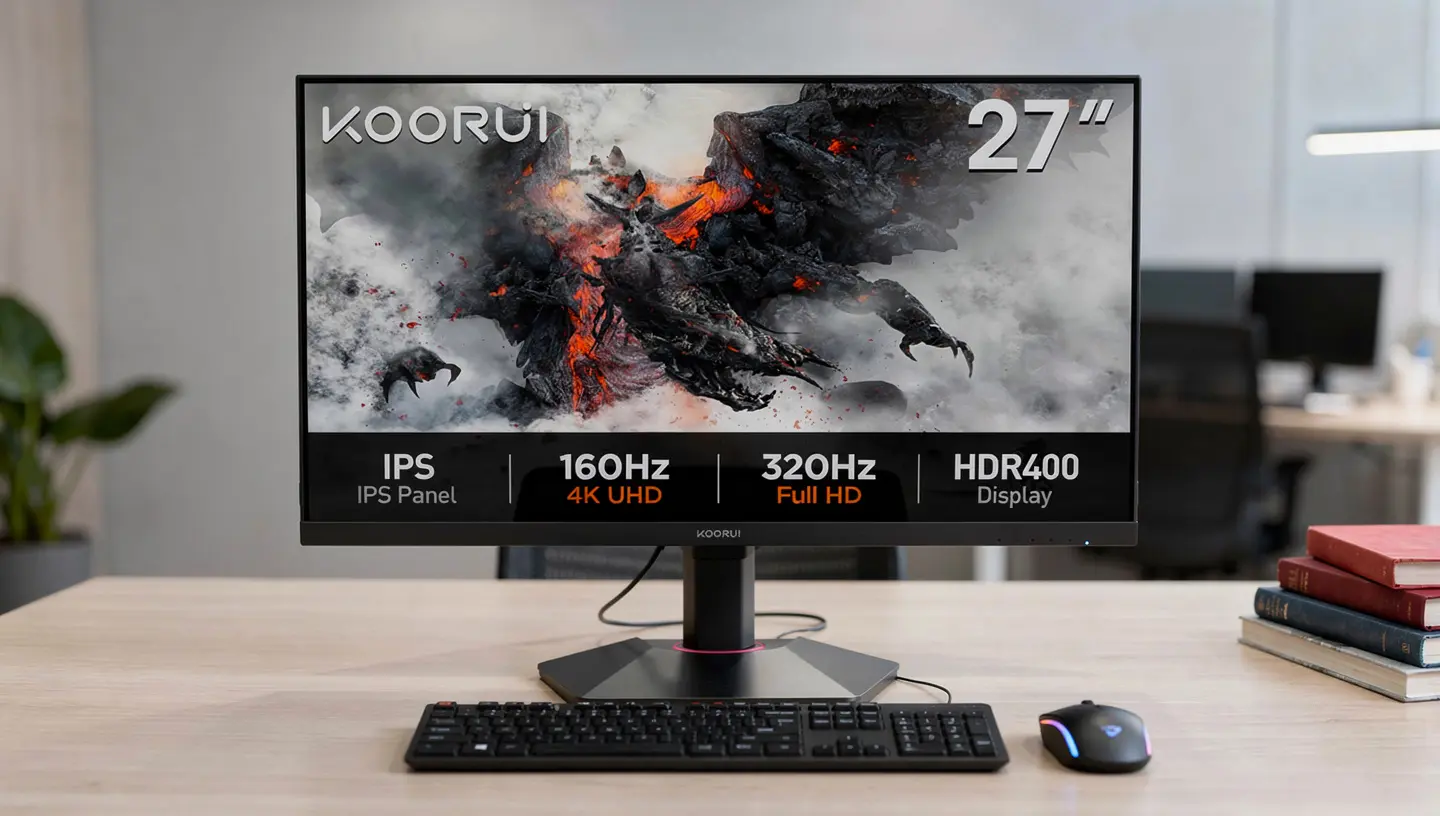
Color output stays strong for the price, with 1.07 billion colors through 8-bit plus FRC processing and HDR400 support. The ergonomic stand covers tilt, height and pivot, which keeps the monitor usable in both landscape and portrait orientation. Motion clarity is close to the flagship model in everyday use, the main difference shows up in HDR content and dark scenes, where the lack of local dimming is easiest to spot.
| Spec | Detail |
|---|---|
| Size | 27 inch |
| Panel | Fast IPS |
| Resolution | 3840×2160 (4K) or 1920×1080 dual mode |
| Refresh rate | 160Hz (4K) or 320Hz (1080p) |
| Response time | 1ms rated |
| HDR | HDR400 |
| Color | 1.07 billion colors (8-bit + FRC) |
| Sync | Adaptive Sync |
| Price | $300 |
Pros
- Same dual mode flexibility as the flagship for $200 less
- Strong color output for the price bracket
- Ergonomic stand with tilt, height and pivot adjustment
Cons
- No local dimming, so HDR content and dark scenes look flatter than on the S2741LM
- HDR400 is a modest implementation compared to true HDR displays
- Driving 4K at 160Hz still needs a capable graphics card
4. KOORUI S2721PM: Best Mini LED QHD
The KOORUI S2721PM brings the Mini LED backlight down to a QHD panel, making it the entry point into KOORUI’s local dimming technology for buyers who do not need or want 4K. It runs at 2560×1440 resolution with a 200Hz refresh rate, 1ms response time and HDR1000 support, backed by 1.07 billion colors for smoother color transitions than a standard 8-bit panel.
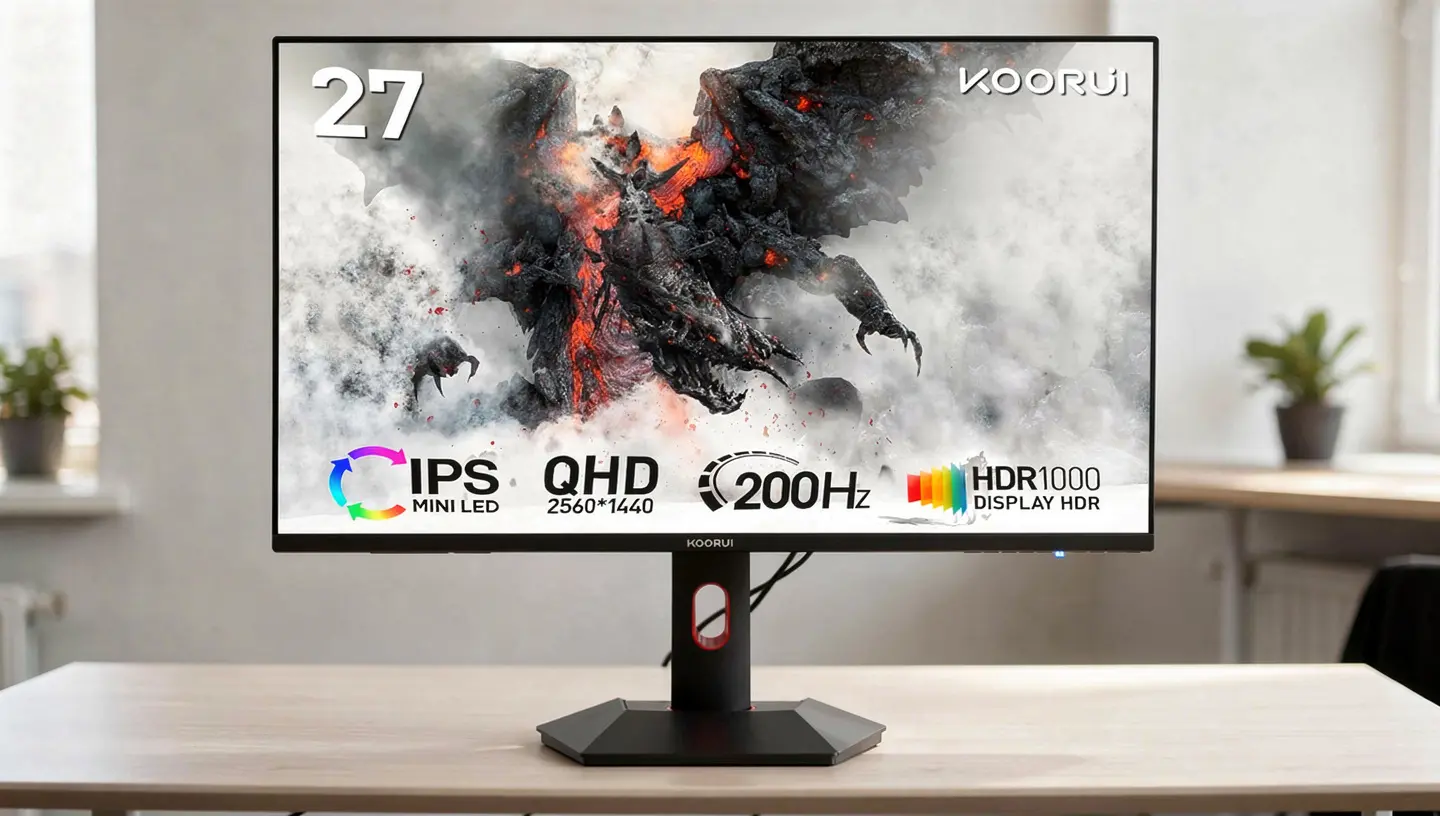
This model sits in an interesting spot next to the KOORUI G2721E. The G2721E is faster on paper at 320Hz, but the S2721PM answers back with genuinely improved contrast and HDR performance thanks to its dimming zones. For players who split time between competitive shooters and slower, story driven games where lighting and contrast carry more weight, the KOORUI S2721PM is the better all round choice, even at a higher price than the G2721E.
| Spec | Detail |
|---|---|
| Size | 27 inch |
| Panel | Mini LED IPS |
| Resolution | 2560×1440 (QHD) |
| Refresh rate | 200Hz |
| Response time | 1ms rated |
| HDR | HDR1000 |
| Color | 1.07 billion colors |
| Sync | Adaptive Sync |
| Price | $259.99 |
Pros
- Mini LED local dimming at QHD resolution for stronger contrast than standard IPS
- HDR1000 support, a real step above the HDR400 found on most of the lineup
- Fully adjustable stand
Cons
- 200Hz is slower than the cheaper G2721E
- Costs more than several monitors in the lineup with similar core specs
- Mini LED can show slight blooming around bright objects on dark backgrounds
5. KOORUI G3441XC: Best Fast Curved Ultrawide
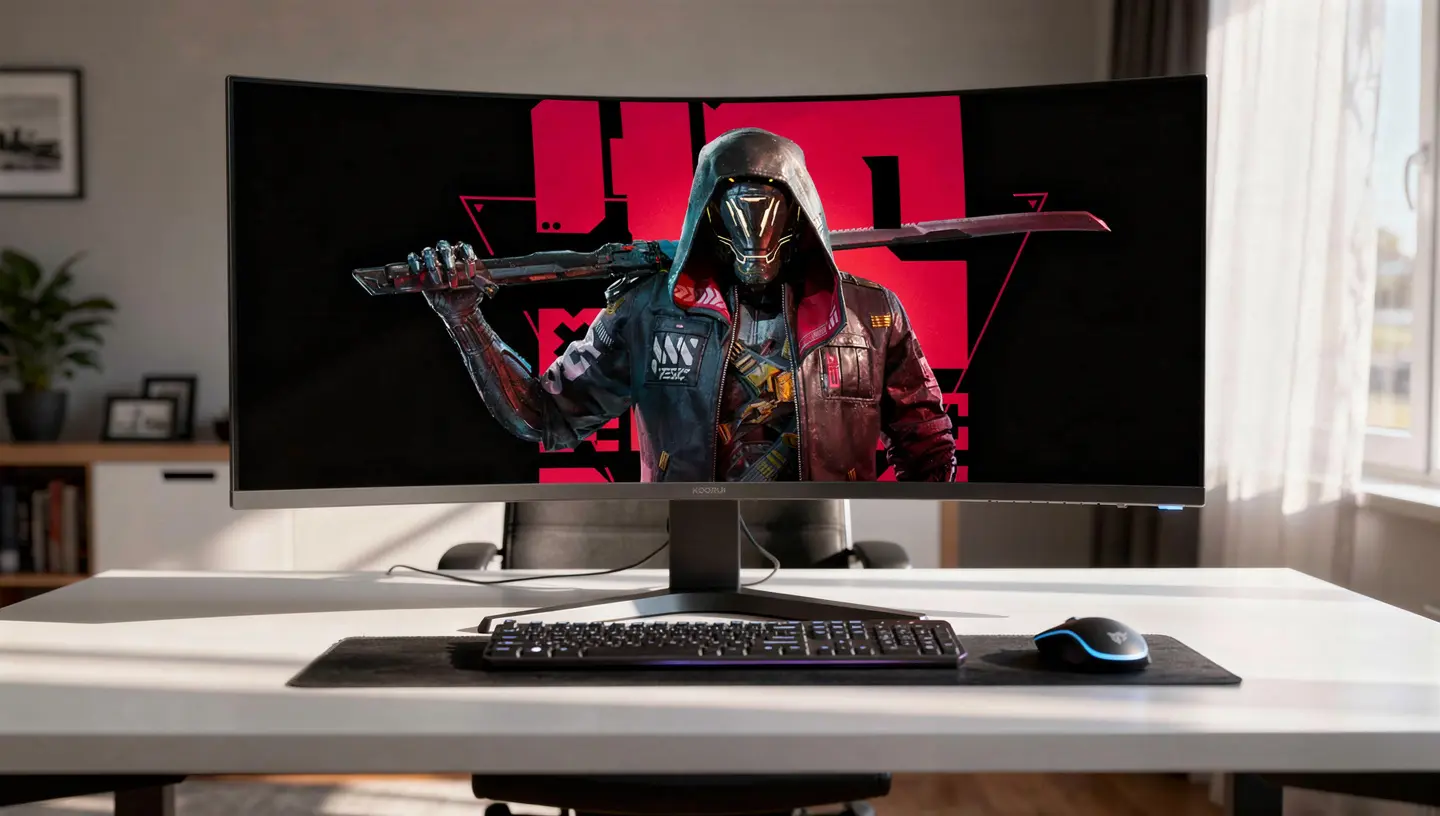
The KOORUI G3441XC is built for players who want the wraparound feel of a curved ultrawide monitor without giving up refresh rate. Its 34 inch VA panel curves at 1500R, runs 3440×1440 resolution and reaches 240Hz, a speed that few ultrawide monitors offer at any price. Dark Field Control and a dedicated game mode round out a feature set clearly aimed at racing games, open world titles and fast paced shooters where the extra horizontal view helps spot movement at the edges of the screen.
Color coverage sits at 90% DCI-P3, respectable for a VA panel, and the ergonomic stand supports tilt, swivel and height adjustment. As with other VA panels in the lineup, contrast is a strength while response time trails behind the Fast IPS models, so buyers who mainly play twitch shooters may prefer the KOORUI G2721E instead and save the extra screen width for a different use case.
| Spec | Detail |
|---|---|
| Size | 34 inch curved (1500R) |
| Panel | VA |
| Resolution | 3440×1440 (WQHD) |
| Refresh rate | 240Hz |
| Response time | 1ms rated |
| Color | 90% DCI-P3 |
| Sync | Adaptive Sync |
| Price | $399 |
Pros
- 240Hz on an ultrawide panel, a rare combination in this price range
- 1500R curve adds real immersion at 34 inches
- Dark Field Control and game mode aimed at competitive play
Cons
- VA response time lags behind the Fast IPS models in the lineup
- 3440×1440 at 240Hz demands a powerful graphics card
- Costs more than the slower KOORUI 34E6UC without a resolution advantage
Is KOORUI a Good Monitor Brand?
KOORUI is not an anonymous reseller slapping a logo on generic panels. The brand operates under HKC Group, one of the larger display manufacturers in China, which also produces LCD panels used across the industry, according to the official KOORUI product lineup. That connection explains a lot about the pricing. Instead of buying panels from a third party and adding a markup, KOORUI works closer to the source, selling direct to consumers online with lower marketing costs than long established brands.
This background does not make every unit perfect, and quality control is the area most often raised in owner feedback. Most buyers receive a monitor that works exactly as advertised, but a small share report issues such as dead pixels or backlight bleed, which is common across the budget segment but slightly more noticeable given how many units KOORUI moves. Customer support experiences also vary, with some buyers describing quick replacements and others describing longer waits. For most shoppers weighing a KOORUI gaming monitor against a pricier alternative, the trade is straightforward: strong specifications and low cost against a shorter track record than brands like ASUS or LG.
What KOORUI Gaming Monitor Owners Say
Specifications only tell part of the story, so it helps to look at what actually shows up in owner feedback across retailers and gaming forums. The pattern is consistent across most models in the lineup.
Common praise
- Image quality that looks better than the price suggests, especially on the IPS models
- Noticeably smoother gameplay after upgrading from a 60Hz monitor
- Colors described as vivid and accurate enough for both gaming and everyday use
- Easy setup, with most buyers reporting the monitor works correctly right out of the box
Common complaints
- Occasional dead pixels or backlight bleed on individual units
- Ghosting on VA models during fast horizontal motion
- A stand that feels basic or slightly wobbly on the cheaper models
- Missing speakers, which means budgeting for a headset or external audio
Taken together, the feedback lines up with what the specifications suggest, strong performance and value, with the usual budget monitor trade-offs in construction and long-term consistency.
KOORUI Gaming Performance and Panel Quality
IPS vs VA Panels on KOORUI Monitors
KOORUI splits its lineup roughly evenly between two panel types, and picking the right one matters more than chasing the highest refresh rate number. IPS panels, used on the G2721E, G2741L, G2721P, G2421V and both Mini LED models, deliver wider viewing angles and more accurate colors, which is why they dominate the higher end of the lineup. VA panels, used on the GN02, G3441XC, 34E6UC and the curved 1500R models, trade some of that color accuracy and viewing angle for deeper blacks and stronger contrast ratios, often above 3000:1 compared to roughly 1000:1 on IPS.
For competitive shooters where you need to track movement at the edge of the screen, IPS is the safer pick. For story driven games played in a darker room, where deep blacks matter more than perfect off angle color, a VA panel like the G3441XC can actually look better despite the slower response time.
Response Time and Ghosting
Every monitor in the KOORUI lineup advertises a 1ms response time, but that number is measured under ideal lab conditions and rarely matches real gameplay exactly. In practice, the Fast IPS models hold up well across their refresh range, with RTINGS testing on the S2741LM showing consistently fast response times, though inverse ghosting increases somewhat as the refresh rate drops from 320Hz down to 160Hz. VA models such as the GN02 and G3441XC show more visible ghosting during fast horizontal motion, a known trade-off of the panel type rather than a flaw specific to KOORUI.
Adaptive Sync support runs across the entire gaming lineup and works with both AMD and NVIDIA graphics cards through variable refresh rate, which keeps screen tearing away during frame rate swings. None of the current models carry NVIDIA’s certified G-Sync branding, so treat them as open standard Adaptive Sync monitors rather than certified G-Sync displays.
Build Quality and Design
Build quality is where the budget positioning shows through most clearly. Most KOORUI monitors rely on plastic housings and simple stands, and only the higher end models such as the G2721E, G2741L and G3441XC include full height, tilt, swivel and pivot adjustment. That gap between the top and bottom of the lineup is one of the clearest signs of where the budget actually goes on each model. Cheaper models in the lineup, including the GN02 and the curved VA panel monitors, are usually limited to tilt only. Every model supports standard VESA mounting, so a monitor arm is an easy upgrade path if the stock stand feels limiting.
Bezels are thin across the range, and the overall look leans toward a modern, minimal design rather than the aggressive gamer styling some competitors use. None of the monitors include built in speakers of note, so a separate audio setup is worth planning for if you do not already have one. Cable routing is basic on most stands, usually a single clip or slot rather than a full cover, which keeps the desk tidy enough without adding much cost to the build.
Common Problems and Quality Control
The most frequent complaints across owner reviews and retailer feedback fall into a short list. Dead pixels and backlight bleed appear on a small percentage of units, which is normal for mass produced panels but worth checking for during the return window on any new purchase. Some buyers report the monitor stand feels wobbly under a firm desk or keyboard, particularly on the cheaper tilt only models. A few DisplayPort connectivity issues have also been reported on certain models, usually resolved by trying a different cable or updating graphics drivers.
Warranty coverage typically runs three years in the United States, though exact terms and dead pixel policies can vary by retailer and region, so it is worth checking the specific listing before buying. Given the price gap compared to established brands, most owners consider these trade-offs reasonable, though buyers who value a long, hassle free support history may still lean toward a more established name.
How to Choose the Right KOORUI Gaming Monitor for You
Under $150: FHD or entry QHD, 180Hz to 240Hz, IPS or VA panels, tilt only stands. Good for casual and budget competitive gaming.
$150 to $300: the sweet spot for most buyers, QHD Fast IPS at 200Hz to 320Hz, or entry level 4K and ultrawide models with fuller stand adjustment.
$300 and up: Mini LED backlighting, HDR1000 or HDR1400, and 4K dual mode panels. Only worth it if picture quality and HDR matter as much as raw speed.
With ten models spanning FHD to 4K, choosing the right one comes down to matching the panel and resolution to how you actually play.
- Competitive esports: the KOORUI G2721E offers the highest refresh rate at QHD resolution, ideal for shooters and fast multiplayer games
- 4K gaming and content: the KOORUI S2741LM or KOORUI G2741L both offer dual mode 4K and 1080p, with the S2741LM adding Mini LED for serious HDR work
- HDR and contrast focused gaming: the KOORUI S2721PM brings Mini LED to a more affordable QHD panel
- Immersive single player and racing games: the KOORUI G3441XC or KOORUI 34E6UC deliver curved ultrawide screens that suit open world and driving titles
- Working from home as well as gaming: IPS models such as the G2721P or G2421V offer wide viewing angles that suit spreadsheets and browser tabs as well as games
- Console gaming: the S2741LM stands out with HDMI 2.1 ports for 4K at high refresh rate on the PS5, while the QHD and FHD models handle 1080p and 1440p console output over standard HDMI
- Tight budget: the KOORUI GN02 or KOORUI 27E6QCA deliver a high refresh rate without stretching into premium pricing
If you already own a strong graphics card capable of pushing past 200 frames per second, prioritize the models built around 1440p resolution and high refresh rates, since a slower GPU will leave the fastest panels underused. If picture quality and HDR matter more than raw speed, the Mini LED models and their HDR certification are worth the extra cost, and it helps to understand the difference between HDR400 and higher HDR levels before comparing models on spec sheets alone. Once you land on a model, our guide on how to set up a gaming monitor covers the settings worth adjusting after you plug it in.
Frequently Asked Questions
Is KOORUI a reliable monitor brand?
KOORUI is reasonably reliable for a budget brand, though it does not yet carry the long track record of manufacturers such as Dell, LG or ASUS. Most buyers receive a fully working unit, and issues that do appear, mainly dead pixels or backlight bleed, are consistent with what shows up across the wider budget monitor market rather than something unique to the brand.
Who makes KOORUI monitors?
KOORUI operates under HKC Group, a large Chinese display manufacturer that produces LCD panels used throughout the industry. That relationship gives KOORUI access to manufacturing infrastructure that many budget brands do not have, which helps explain how the company keeps prices low while still offering features like high refresh rates and Mini LED backlighting.
Are KOORUI monitors good for PS5 and Xbox?
Yes, most KOORUI monitors work well with current generation consoles over HDMI. Models with HDMI 2.1 ports, such as the S2741LM, can take advantage of 4K at higher refresh rates on the PS5, while the QHD and FHD models handle 1080p and 1440p console output without issue. Check the port list on the specific model before buying if console compatibility is your main use case.
Does KOORUI offer a dead pixel warranty?
Warranty terms vary by retailer and region, and dead pixel policies typically require a minimum number of defective pixels before a replacement is approved, which is standard across the monitor industry rather than specific to KOORUI. It is worth reviewing the exact warranty listed on the retailer page before purchasing, since coverage details can differ between Amazon, Walmart and the official KOORUI store.
How long do KOORUI monitors last?
Most KOORUI monitors should hold up for several years of regular use, in line with other modern LCD gaming monitors. Actual lifespan depends on usage patterns, panel type and operating environment more than the brand itself, and many owners report daily use without major issues well past the warranty period.
Which is the best KOORUI gaming monitor overall?
The KOORUI G2721E earns the top spot in this review because it pairs a 320Hz refresh rate with QHD resolution and a Fast IPS panel at a price well under $220. Buyers who want stronger HDR and contrast may prefer the KOORUI S2721PM or KOORUI S2741LM instead, both of which trade some refresh rate for Mini LED backlighting.
Are KOORUI monitors VESA compatible?
Yes, every current KOORUI gaming monitor supports standard VESA mounting, which makes it easy to swap the stock stand for a monitor arm if you want better height, tilt or desk clearance than the included stand provides.
Do KOORUI monitors work with AMD and NVIDIA graphics cards?
Yes, the entire gaming lineup supports Adaptive Sync, which works with both AMD FreeSync and NVIDIA graphics cards to reduce screen tearing. None of the current models carry official NVIDIA G-Sync certification, so treat the sync feature as open standard Adaptive Sync rather than certified G-Sync when comparing specs.
Final Thoughts
Across ten current models, KOORUI proves that a gaming monitor does not need a premium price tag to deliver a genuinely fast, sharp picture. The G2721E stands out as the best all round pick thanks to its 320Hz QHD panel, while the S2741LM and S2721PM push further into HDR and contrast territory through Mini LED backlighting. Match the panel type, resolution and refresh rate to how you actually play, budget for a decent graphics card if you go past 200Hz, and a KOORUI gaming monitor can comfortably outperform its price tag.